
Platform · Security
Security and POPIA, in plain terms.
What protects your records in Syniq, for an owner or the IT person they ask. Each point below is something the product does today.
The basics
Who can see what
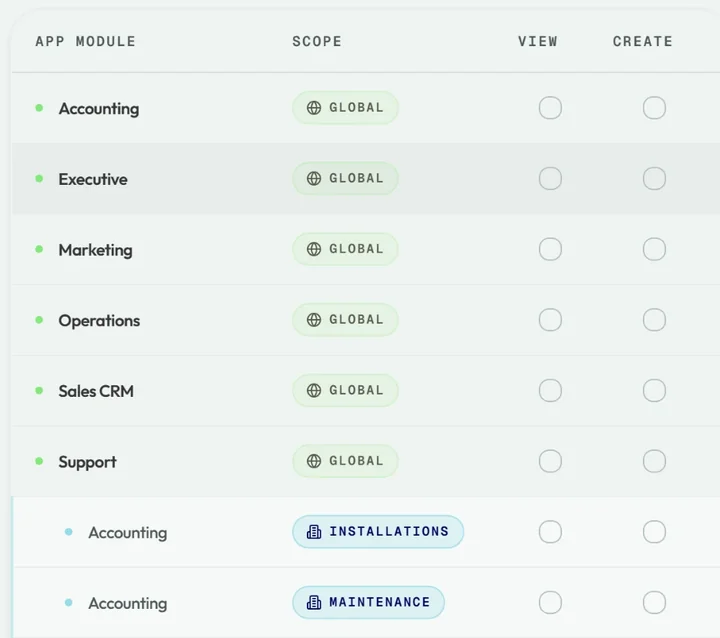
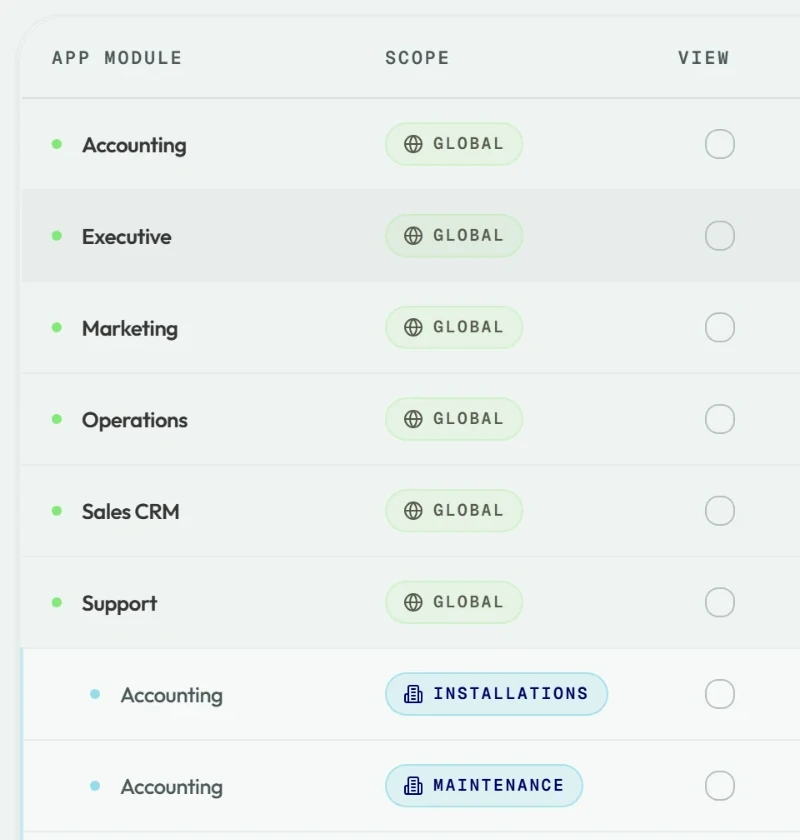
Roles and each person's access per app decide what they can view, create, edit or delete. Business units limit which records they see.
How sign-in is protected
Sign in with Google or Microsoft, add a code from an authenticator app, and sign-in pauses after repeated failed attempts.
Files you share
Library folders can be limited to named people, and a link to a shared file expires.
Access, per person and per business unit.
Set what each member can view, create, edit or delete in every app, across the business or in one business unit.
- Owners and admins invite people and set their access
- Business units keep one team's records apart from another's
- Owners and admins can sign everyone out after a set idle time and session length
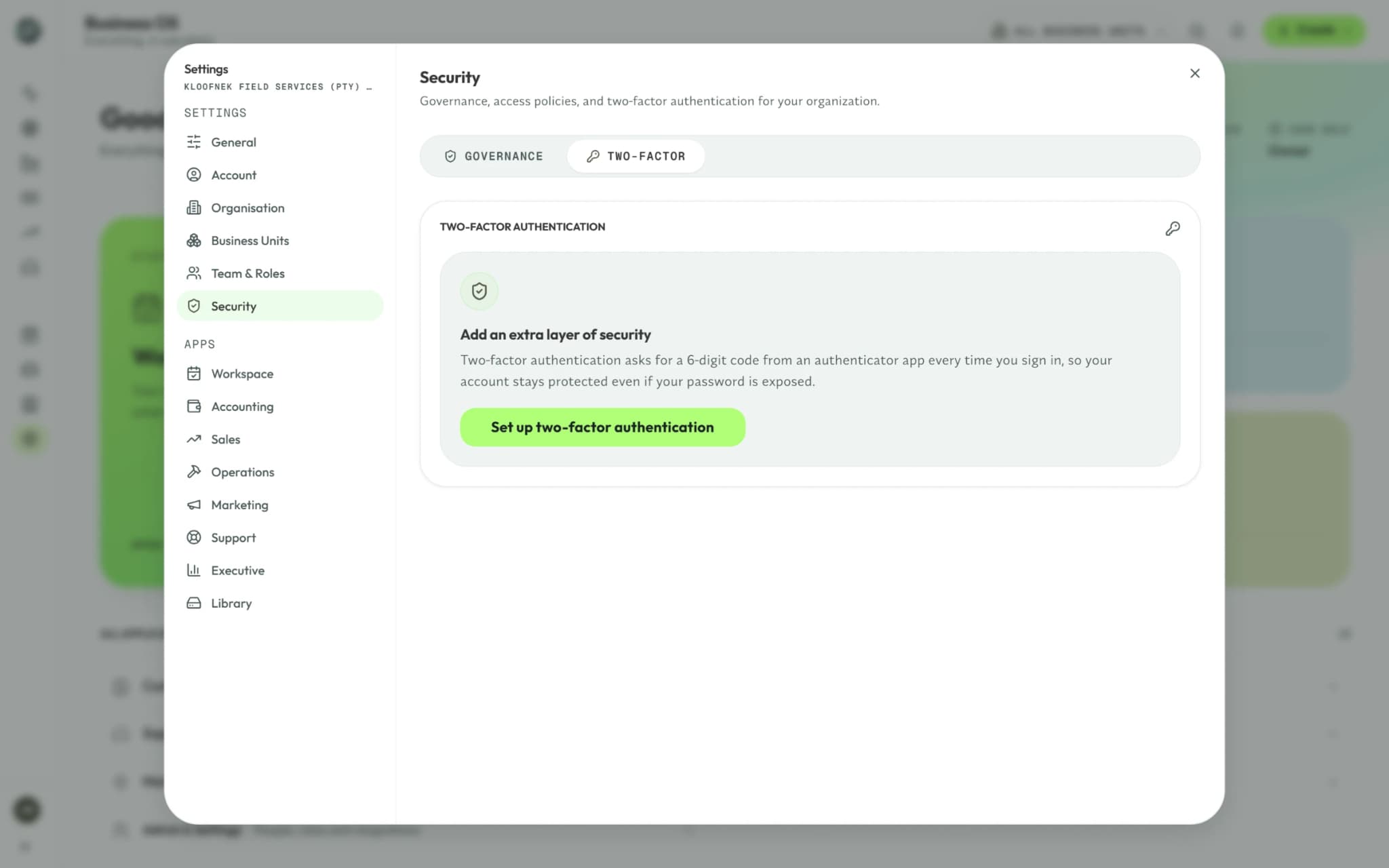
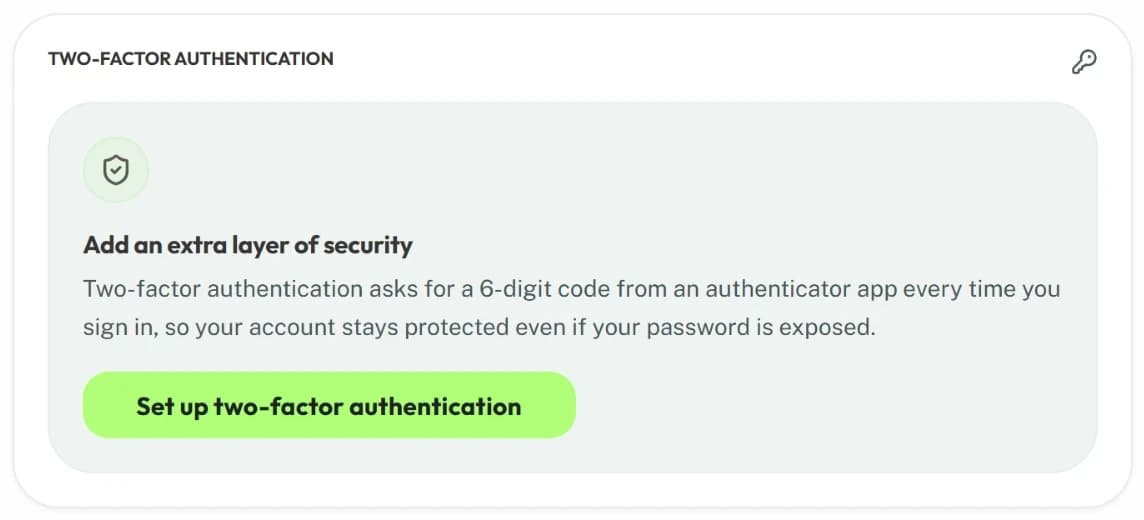
Two-factor sign-in, with backup codes.
Anyone can require a 6-digit code from an authenticator app each time they sign in.
- Backup codes get you back in if you lose your phone
- Owners and admins can reset a member's two-factor sign-in
- After repeated failed attempts, sign-in pauses for a few minutes
Where your data lives
- Hosting
- The application runs on Vercel. Records are kept in a PostgreSQL database run by Supabase.
- Separation
- Row-level rules in the database keep each organisation's records apart.
- Data export
- Client lists, invoices, quotes, expenses, jobs, tickets and financial reports export to Excel or PDF.
Have a question we haven't answered?
Send it to us, and we'll answer in writing.