
Platform · Integrations
Connected to the tools you already run on.
Most of what you'd normally integrate is already one system. For the rest, these integrations keep your records in step.
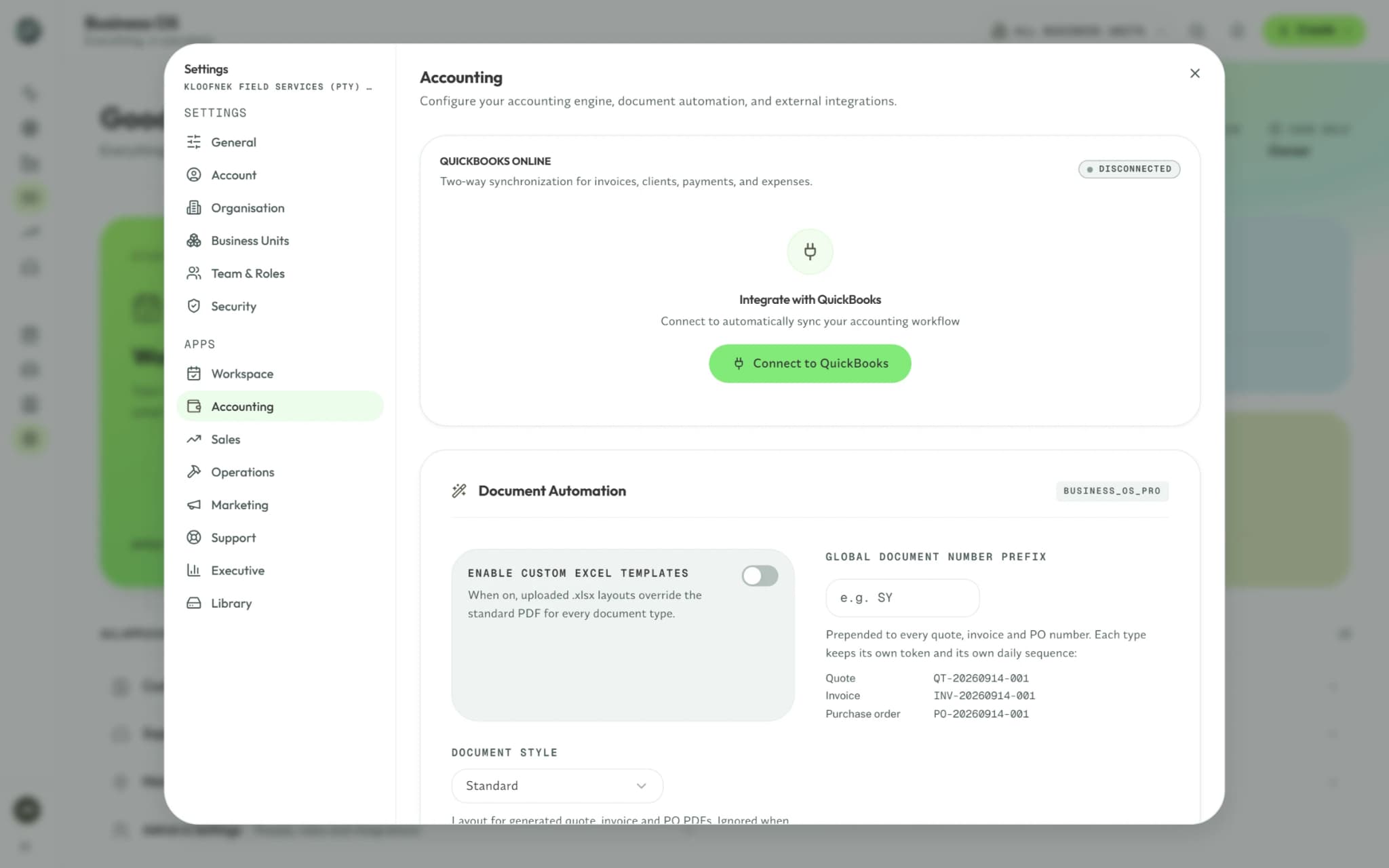
QuickBooks Online
Two-wayYour accountant keeps working in QuickBooks while your team works in Syniq.
- Both ways
- Customers, vendors, items, invoices, quotes, purchase orders and expenses
- From QuickBooks
- Payments, bills, deposits, sales receipts and the chart of accounts
Jira
SupportEngineering works the issue in Jira; Support sees where it stands.
- To Jira
- A support ticket, pushed as an issue with your field mapping
- From Jira
- Status and field changes, through Jira's webhooks and an hourly check
How QuickBooks Online sync works
Connect once, and each system keeps the other current without an export.
- Connect from Settings with your QuickBooks login
- Changes made in Syniq queue and push in the background
- Changes made in QuickBooks come back through its webhooks
Google and Microsoft sign-in
Sign in with Google or Microsoft — no separate password to manage.
Custom integrations
Book a free discovery callNeed a different integration?
We build custom integrations as a scoped project, priced before any work starts.
Start with the integrations you need.
Try the Business OS free for 14 days, and connect QuickBooks Online from Settings.
No credit card required