
Every job, from booking to invoice.
Plan jobs, assign tasks and track progress on a board the whole team can see — then bill the work from the same record.
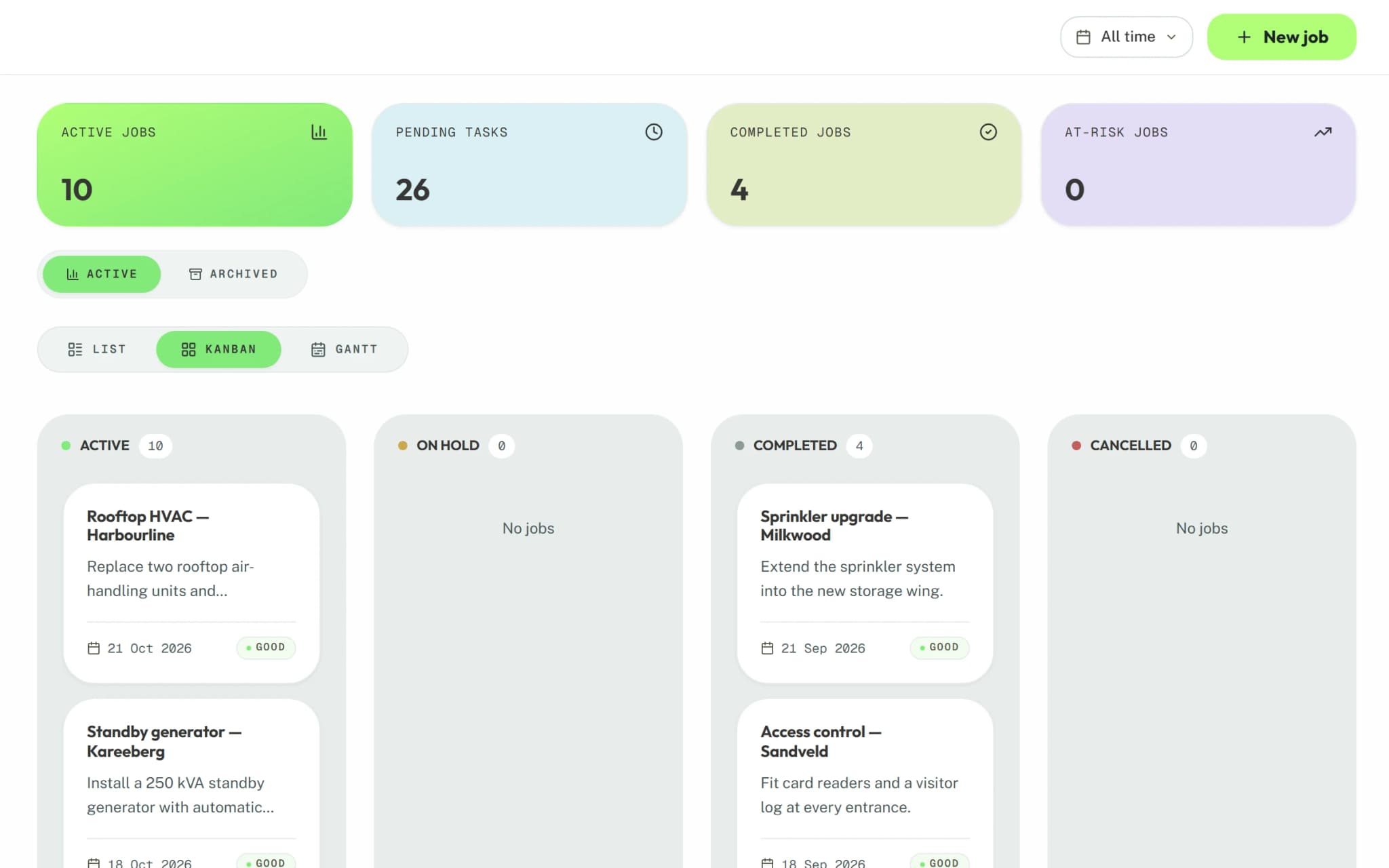
- List, Kanban and Gantt
- 3 views
- Tasks, time and activity logged
- Every job
- Jobs scoped to each business unit
- By unit
Inside Operations
Three views of the work
See every job as a list, a Kanban board or a Gantt chart, filtered to your business unit.
Tasks and time
Break each job into tasks, assign them, and log the hours spent against each one.
Activity on the job
Calls, meetings, emails and notes are logged on the job, so anyone can pick it up.
Documents with the job
Upload drawings, photos and paperwork to the job, and open them from its record.
Job reports
Upload reports against a job or client, and move each one from draft to final to approved.
Contract renewals
Track renewal dates for recurring contracts on a board of their own.
From job card to invoice in one system.
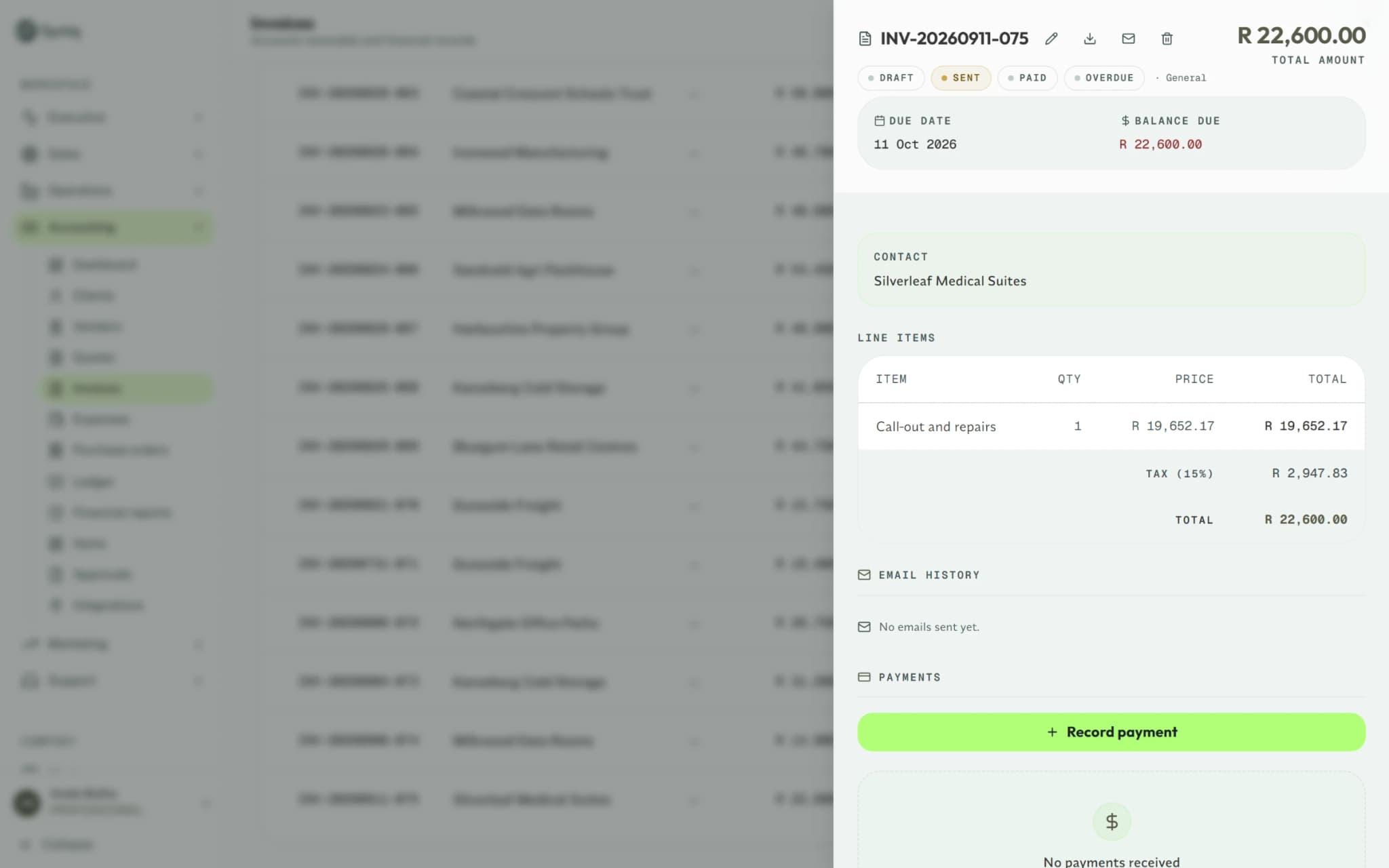
When the work is done, the job becomes the invoice. When the client wants more, it becomes the quote.
- Generate the invoice from the job when the work is done
- Raise a draft quote for extra work straight from the job
- The job, its invoice and its client stay linked
Works with
Sales
Pipeline, client profiles and quotes.
Accounting
Invoices, VAT, purchase orders and reports.
Support
Tickets, customer feedback and a knowledge base.
Operations questions
Won deals become jobs, and jobs become invoices, on the same client record — so Sales, Operations and Accounting never re-type each other's work.
Yes. My Tasks shows each person what is assigned to them, and business units limit which jobs they see.
No. Starter includes any two apps, and you can add the rest later.
Yes. Start a 14-day free trial, with no credit card.
Coordinate the work without the ERP headache.
Try it free for 14 days, with no credit card.
No credit card required