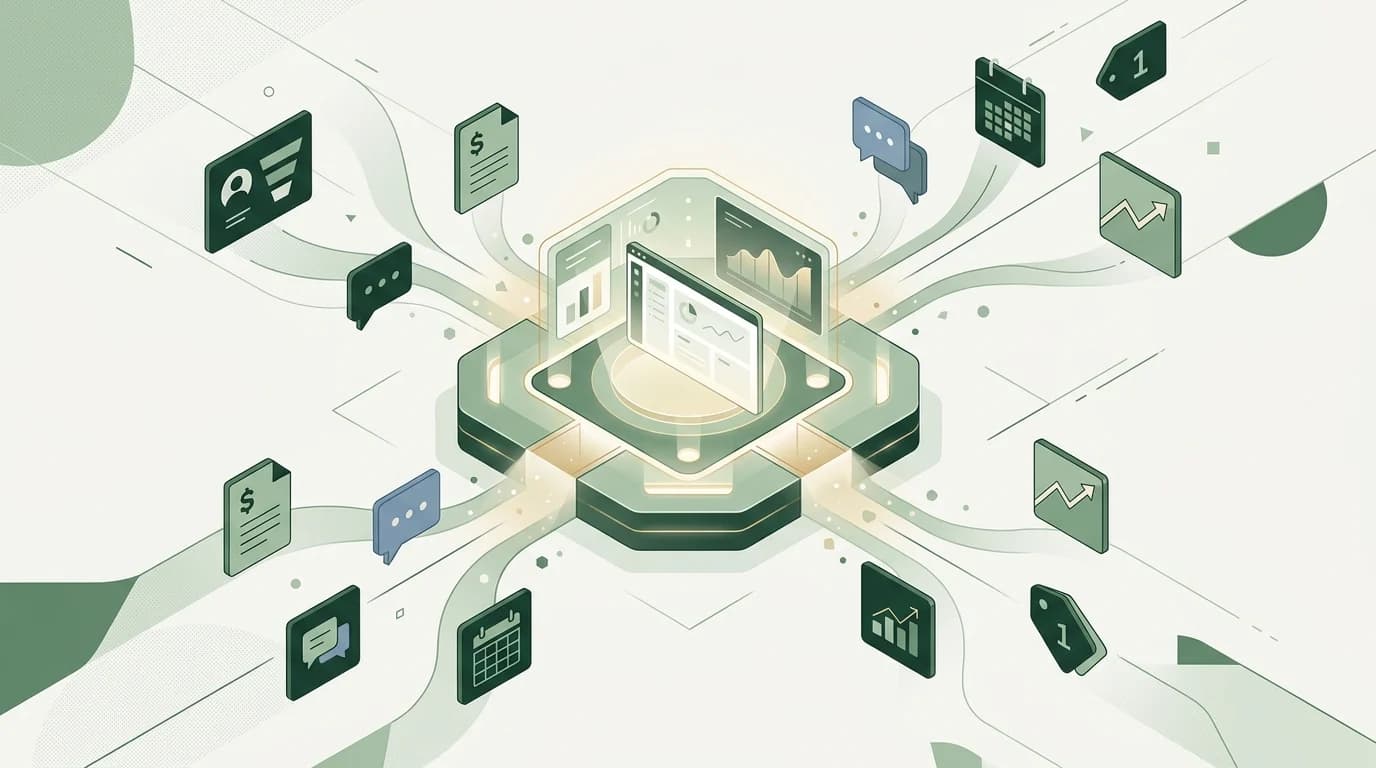
A business operating system (Business OS) is a single platform that runs the core functions of a company — sales, operations, marketing, finance, and support — on one shared set of data. Instead of stitching together separate apps that each hold a slice of the truth, a Business OS connects every department so information flows automatically and decisions happen faster.
Think of it the way a computer needs an operating system to make its hardware, files, and programs work as one machine. Your business has the same need. Without a coordinating layer, every tool runs on its own, every team keeps its own version of the numbers, and you spend your days reconciling instead of building. A Business OS is that coordinating layer for the whole company.
This guide explains what a Business OS actually is, what sits inside it, how it differs from a CRM or an ERP, and how to tell whether your business has reached the point where one tool to run everything beats ten tools that barely talk.
What does "business operating system" actually mean?
The phrase gets used two ways, and it helps to separate them.
The first is a management framework — a documented set of processes, meetings, and scorecards that define how a company plans and executes. Methodologies like EOS popularised this meaning. It is about discipline, not software.
The second — and the one most people mean today — is a software platform that unifies the tools a business runs on. This is the sense Syniq uses. A Business OS in this sense replaces the scattered stack of point solutions with one connected system where your customer records, projects, invoices, campaigns, and support tickets live together and update each other in real time.
The two ideas reinforce each other. Good process needs a system to run on, and a good system makes good process the path of least resistance. But when we say Business OS in this article, we mean the platform: one place to manage, automate, and scale the operation.
Why do businesses end up with too many tools?
Almost no one chooses tool sprawl on purpose. It accumulates one sensible decision at a time. You add a CRM when sales gets serious. Accounting software when the invoices pile up. A project tool, a help desk, an email platform, a few spreadsheets to hold it all together. Each was the right call in isolation.
The problem is what happens between the tools. Research on modern knowledge work found that people toggle between applications and websites around 1,200 times a day, and lose roughly four hours a week just reorienting themselves after switching. It takes close to ten minutes to fully refocus after jumping to a different app. Around 45% of workers say that toggling between too many apps makes them less productive.
Then there is the cost of the sprawl itself. Industry surveys put the average organisation at roughly 100+ SaaS applications, and estimate that businesses globally waste tens of billions of dollars a year on software that is duplicated, unused, or forgotten. For a lean South African SME, even a handful of overlapping subscriptions is money and attention that should be going somewhere else.
The deepest cost is invisible, though. When your customer data sits in one app and your invoices in another and your delivery status in a third, no single screen tells you the truth about your business. You find out about problems late, from a spreadsheet someone built by hand. A Business OS exists to close that gap.
What does a Business OS include?
A true Business OS covers the operational spine of a company, not just one corner of it. Syniq's Business OS is organised into connected modules that share one database:
- Sales & CRM — leads, pipeline, deals, and customer history in one record, so the person who sells and the person who delivers see the same context. (See Business OS Sales.)
- Operations — jobs and tasks with logged hours, created from the deal and invoiced from the job.
- Marketing — campaigns, a social post planner and lead scores on the same customer data the sales team works from, with revenue traced back to the campaign that brought the deal.
- Finance & accounting — tax-compliant, VAT-ready invoicing generated from the accepted quote or the finished job, with no copy-paste between systems. (See Business OS Accounting.)
- Support — a help desk where every ticket is attached to the full customer record, not a separate inbox.
- Executive dashboard — a live, single-screen view of the numbers that matter, pulled from every module at once. (See the Executive dashboard.)
The point is not the length of the feature list. It is that these functions are built to work together from the start, rather than connected after the fact with brittle integrations that break when someone changes a field.
How is a Business OS different from a CRM or an ERP?
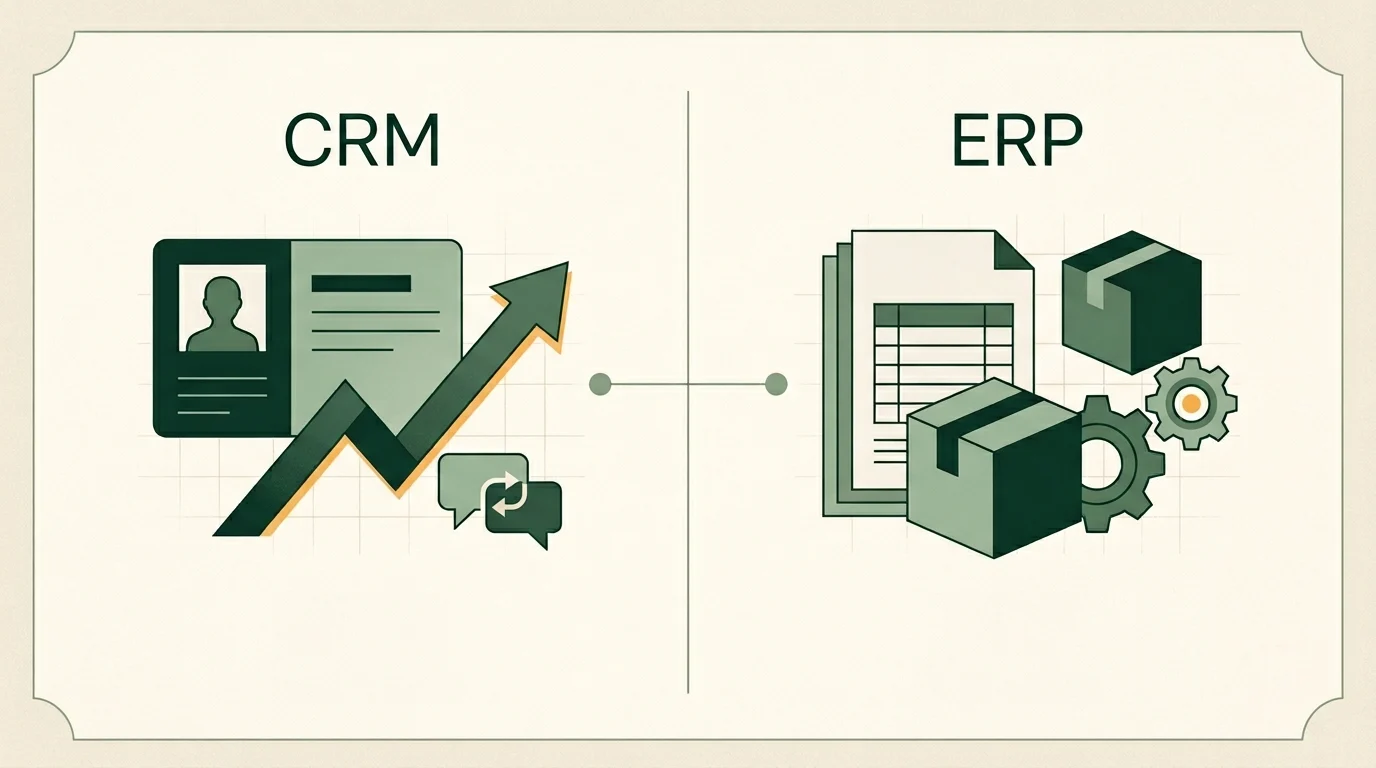
This is the most common question, and the distinction is genuinely useful. A CRM manages the front office — customers, leads, and sales. An ERP manages the back office — finance, inventory, and resources, usually for larger or more complex organisations. A Business OS is built to span both, with the operational glue in between, and it is aimed squarely at growing businesses that want one system rather than a heavyweight enterprise rollout.
| CRM | ERP | Business OS | |
|---|---|---|---|
| Primary focus | Customers & sales | Finance, inventory, resources | The whole operation, front to back |
| Best suited to | Sales-led teams | Large, complex enterprises | Growing SMEs and agencies |
| Typical scope | One department | Many departments, heavy setup | Every core function, one login |
| Implementation | Days to weeks | Months to years | Weeks |
| The promise | Close more deals | Control complex resources | Run the entire business in sync |
If you are weighing the front-office and back-office question specifically, our deeper breakdown of CRM vs ERP for South African businesses walks through which one fits which stage. A Business OS is, in effect, the answer for businesses that have outgrown a standalone CRM but do not need — and cannot justify — a full enterprise ERP programme.
How do I know if my business needs a Business OS?
You do not need a Business OS on day one. You need one when coordination starts to cost more than the work itself. A few honest signals:
You re-enter the same information in more than one place — a customer's details in the CRM, then again on the invoice, then again in a delivery note. Your monthly numbers live in a spreadsheet that one person builds by hand, and no one fully trusts it. Different teams quote different figures for the same question because each reads from a different tool. Something falls through the cracks between sales and delivery often enough that you have stopped being surprised. And onboarding a new hire means handing them logins to eight systems and hoping they work out how the data connects.
If two or three of those feel familiar, the issue is no longer which app to buy. It is that your tools are not talking to each other, and the fix is a connected system rather than another point solution. Spreadsheets and disconnected apps are a sign of growth — right up until they become the thing holding growth back.
Here is the difference in plain terms:
| Dimension | A stack of disconnected tools | A Business OS |
|---|---|---|
| Data | Siloed in each app, re-entered by hand | One source of truth, shared across modules |
| Visibility | Stitched together in spreadsheets, always lagging | A live executive dashboard, current to the minute |
| Software cost | Many subscriptions, easy to duplicate and waste | One predictable subscription |
| Integration | Fragile connectors that break on change | Native — built to work together |
| New-hire onboarding | Eight logins and a lot of tribal knowledge | One system to learn |
| Reporting | Manual, backward-looking | Automatic and real time |
See it on your own numbers. The fastest way to know whether a Business OS fits is to map your current tools and where the data gets stuck. Book a no-obligation discovery call and we will walk through it with you.
Does a Business OS work for South African businesses specifically?
It does, and arguably it matters more here. SMEs make up roughly 91% of formalised businesses in South Africa and carry a large share of national employment. Most of them run lean, with small teams wearing several hats. That is exactly the profile that pays the highest tax on tool sprawl, because the person reconciling three systems at month-end is often the same person who should be selling or serving customers.
There are also local requirements a generic, foreign-built stack handles awkwardly. Invoicing needs to be VAT-compliant and SARS-friendly out of the box. Customer data needs to be handled in line with POPIA, which is far easier when that data sits in one governed system rather than scattered across apps with different security postures and unclear data residency. A Business OS designed with these realities in mind removes a category of compliance worry instead of adding to it.
For businesses currently leaning on legacy accounting tools, the consolidation argument is even stronger — moving finance into the same system as sales and operations is the whole point, not a bolt-on.
How much does a business operating system cost in South Africa?
A Business OS is typically priced as a predictable monthly subscription, usually per user, rather than the large up-front licence and implementation bill associated with traditional enterprise software. The headline figure, though, is only half the story. The real comparison is against what you already spend across several separate subscriptions — plus the unmeasured cost of the hours your team loses moving data between them.
Because every business carries a different mix of users, modules, and migration needs, any number quoted in a blog post would be a guess. For current, transparent pricing see the Business OS pricing page, and for a figure matched to your actual setup, book a scoping call and we will give you a fixed quote rather than a range.
Build or buy: where does custom software fit?
A Business OS is the buy path — a ready-made platform you adopt and configure. It is the right move for the large majority of growing businesses, because the operational problems most companies face are more alike than different, and a proven system gets you there in weeks.
Some businesses, though, have a genuinely unique process — the thing that is their actual competitive edge — that no off-the-shelf product should dictate. That is the build path: custom software designed around how your business actually works. The mature answer is often both: run the standard operation on a Business OS, and build custom only where being different is the point. The mistake is building bespoke software to do what a configured platform already does well, or forcing a one-size product onto the one process that makes you, you.
The bottom line
A business operating system is the difference between running a company through your tools and running it despite them. It replaces the daily tax of disconnected apps — the re-keying, the reconciling, the late surprises — with one connected system where the data is shared, the dashboard is live, and the whole operation moves in sync. For South African SMEs trying to scale without scaling the chaos, that shift from many tools to one platform is usually the highest-leverage operational decision available.
If your tools have stopped talking to each other, that is the signal. Explore Syniq Business OS or book a no-obligation discovery call to see what running your business on one system looks like.
Frequently asked questions
What is a business operating system in simple terms?
It is one software platform that runs the core functions of a business — sales, operations, marketing, finance, and support — on a single shared set of data, so the whole company works from the same information instead of from separate, disconnected apps.
What's the difference between a Business OS, a CRM, and an ERP?
A CRM manages customers and sales. An ERP manages back-office resources like finance and inventory, usually for large enterprises. A Business OS spans both and the operations in between, aimed at growing businesses that want one connected system rather than many specialised tools or a heavy enterprise rollout.
What does a Business OS include?
Typically a Sales & CRM module, operations and workflow automation, marketing automation, finance and tax-compliant invoicing, a support help desk, and an executive dashboard — all built on one database so they update each other automatically.
How do I know if my business needs a Business OS?
The clearest signs are re-entering the same data in several tools, running the business off a hand-built spreadsheet no one fully trusts, teams quoting different numbers from different systems, and work falling through the cracks between departments. When coordinating tools costs more than the work, you are ready.
How much does a Business OS cost in South Africa?
It is usually a predictable monthly per-user subscription rather than a large up-front cost, and it often replaces several separate subscriptions you already pay for. Exact pricing depends on users and modules, so the honest answer is to check the pricing page or book a scoping call for a fixed quote.
Is a Business OS POPIA compliant?
A well-built Business OS makes POPIA compliance easier because customer data lives in one governed, secured system rather than scattered across many apps. Syniq's Business OS is designed with POPIA and SARS/VAT requirements in mind for South African businesses.
Ready to run your business on one system? Explore Syniq Business OS or book a no-obligation discovery call and we will map your current tools to a single connected platform.