Accounting software is a program that records the money coming into and going out of your business and turns it into reports. You enter or import invoices, bills and bank lines. It files each one under the right account. It then tells you what you are owed, what you owe and what profit you made.
If you have run your books in Excel until now, that is the whole idea: the same records, kept once, with the arithmetic done for you. Xero's own glossary gives a similar definition, "a digital tool that records, organizes, and manages your business's financial transactions".
What is accounting software used for?
Most owners start with one job and add the others later.
- Invoicing. Send quotes and invoices, and see which ones are unpaid.
- Recording expenses and bills. Keep supplier bills and expenses against the right category.
- Matching the bank. Compare each line on your bank statement with the invoice or expense it belongs to, so you know what has been paid. This is called bank reconciliation.
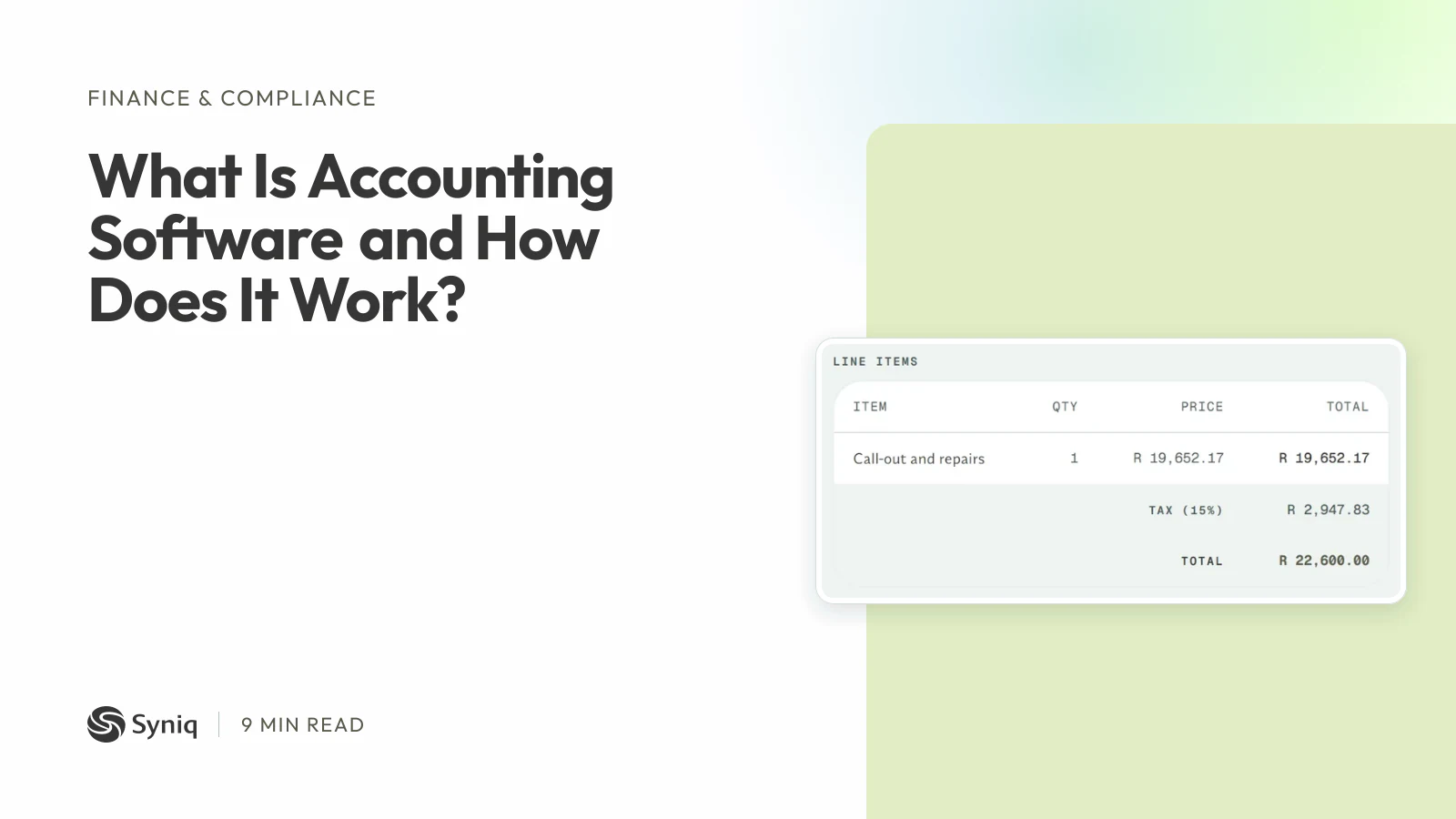
- VAT. Work out the VAT on each sale and purchase, and total it for your return. If your business is VAT-registered, the rate is 15%. Our guide to SARS and VAT rules for accounting software explains what a valid tax invoice needs.
- Reports. See profit and loss, who owes you money and what the business spent.
- Handing over to an accountant. Give them the books at year-end instead of a folder of papers.
How does accounting software work?
Behind the screens, the steps are the same in every product.
- You record what happened. You raise an invoice, capture a bill, or import a bank statement.
- The software files it. Each entry goes under an account in your chart of accounts, such as sales, rent or fuel. Most accounting software uses double-entry bookkeeping: every transaction is recorded in two places, so the books balance.
- Payments settle things. When a customer pays, the payment is matched to the invoice and it stops showing as owed.
- Reports build themselves. Profit and loss, VAT summaries and the list of unpaid invoices are added up from the entries, not typed.
- Someone checks it. You or your accountant review the reports, fix mistakes and close each month.
Spreadsheets can do all of this, but only if every formula is right and only one person edits the file. Accounting software keeps one record, shows who changed what and stops a typing slip in one place from breaking totals elsewhere. Our guide to replacing spreadsheets with software covers when that move is worth making.
What are the main types of accounting software?
The names overlap, so it helps to sort them by what they cover.
| Type | What it covers | Fits |
|---|---|---|
| Invoicing tools | Quotes, invoices and payment reminders | A sole trader who mostly needs to get paid |
| Small business accounting | Invoices, bills, bank matching, VAT and reports | A business with a bookkeeper or an accountant on call |
| Accounting with payroll | The above, plus salaries, payslips and deductions | A business with staff |
| ERP | Accounting plus stock, purchasing, HR and more | Businesses that hold stock or manufacture |
| Industry-specific | Accounting shaped for one sector, such as construction | Businesses whose billing is unusual |
They also differ in where they run. Cloud software runs in your browser, saves your data on the vendor's servers and updates without you doing anything. Desktop software is installed on one computer, so it needs manual updates and is harder to use from elsewhere. Most new products are cloud. For South African businesses the location of the data is worth asking about: SARS expects electronic records to be kept in South Africa unless an authorised official agrees otherwise, as our SARS guide explains.
What are examples of accounting software?
The best-known examples differ in size and focus. Xero, Zoho Books and FreshBooks are popular small business tools, and Odoo is an ERP that includes accounting. QuickBooks Online is another widely used one. Deskera's guide to accounting software, read on 1 November 2026, names FreshBooks, Zoho Books and Odoo in these categories, and Xero's glossary covers Xero. We have not tested them, so check each vendor's own page for what it does and costs today.
Where does Syniq fit?
Syniq Accounting is one of the six apps in Syniq Business OS. It covers the daily work of a service business:
- Quotes, invoices and purchase orders, numbered in date order, with VAT worked out on every line and each invoice carrying your company, VAT and banking details. See the Syniq Accounting app.
- Progress billing, for contracts billed in stages, with retention held back and released later.
- Bank statement imports in CSV, OFX or PDF, matched to invoices and expenses.
- Reports on profit and loss, cash flow, VAT summary and aged receivables, in PDF or Excel.
- A two-way sync with QuickBooks Online, so your accountant can keep working there.
Because Accounting shares one client record with Sales and Operations, a won deal becomes a job and the job becomes an invoice without retyping.
It is not a full accounting package. Syniq does not produce a balance sheet or trial balance. It has no payroll, no multi-currency invoicing and no live bank feeds, and its only accounting sync is QuickBooks Online, not Xero or Sage. If your accountant needs those, keep a full accounting package for the ledger and use Syniq for the work around it. Syniq is not VAT-registered, so it adds no VAT to its own prices.
Starter costs R 47 a month, billed annually, for one user and Accounting plus one other app. Professional costs R 159 for one user and all six apps, and Business costs R 559 for five users and all six apps. See every plan, or start a 14-day free trial with no credit card.
How do you choose accounting software?
Start from the job, not the product list.
- List what you need today. Invoices only? Bank matching? Payroll? Stock? Cross out the rest.
- Check South African VAT. It must produce a tax invoice SARS accepts and a VAT summary for your filing period.
- Ask your accountant. They may prefer a particular package, and they will be the one working in it.
- Count the tools it must work with. If sales and jobs live elsewhere, ask how quotes reach invoices. Our guide to ERP for small businesses covers when a bigger system pays off.
- Try it before you commit. Import ten real invoices and a month of bank lines.
Frequently asked questions
What is accounting software?
Accounting software is a program that records a business's money: the invoices it sends, the bills and expenses it pays, and the payments it receives. It sorts each entry into the right account and produces reports such as profit and loss and a VAT summary.
What is accounting software used for?
Most businesses use it to send invoices, record expenses, match bank statements to what was paid, work out VAT and see how much profit the business made. Some also run payroll, stock or purchase orders.
How does accounting software work?
You enter or import transactions, such as invoices, bills and bank lines. The software files each one under an account, keeps the totals in step and builds reports from them. Because every entry is recorded once, the reports always add up.
What are examples of accounting software?
Xero, Zoho Books and FreshBooks are small business examples, and Odoo is an ERP example. QuickBooks Online is another, and Syniq Accounting syncs with it. Syniq Accounting itself covers invoicing, bank statements and reports, but is not a full accounting package.
Do I need an accountant if I use accounting software?
Usually, yes. Software records and reports; it does not decide how a transaction should be treated, file your returns for you or sign off your annual financial statements. Many owners keep the books in software and ask an accountant to review them.
Is accounting software the same as bookkeeping software?
Nearly. Bookkeeping software focuses on recording transactions. Accounting software also reports on them, and often handles VAT, invoicing and payments. In practice the two terms are used for the same products, so check the feature list instead of the name.
Written by Mikhail for Syniq (Pty) Ltd, which makes Syniq Business OS. The Xero definition and the examples of other products were read on Xero's glossary and Deskera's guide on 1 November 2026. This is general information, not accounting or tax advice: ask a registered accountant about your own books.