Founding cohort: 50% off your first year on annual plans
Skip to content
Knowledge hub · Walkthroughs

Learn each app in a few steps.

Each walkthrough shows real screens from a demo workspace, one task at a time.

Walkthroughs by app

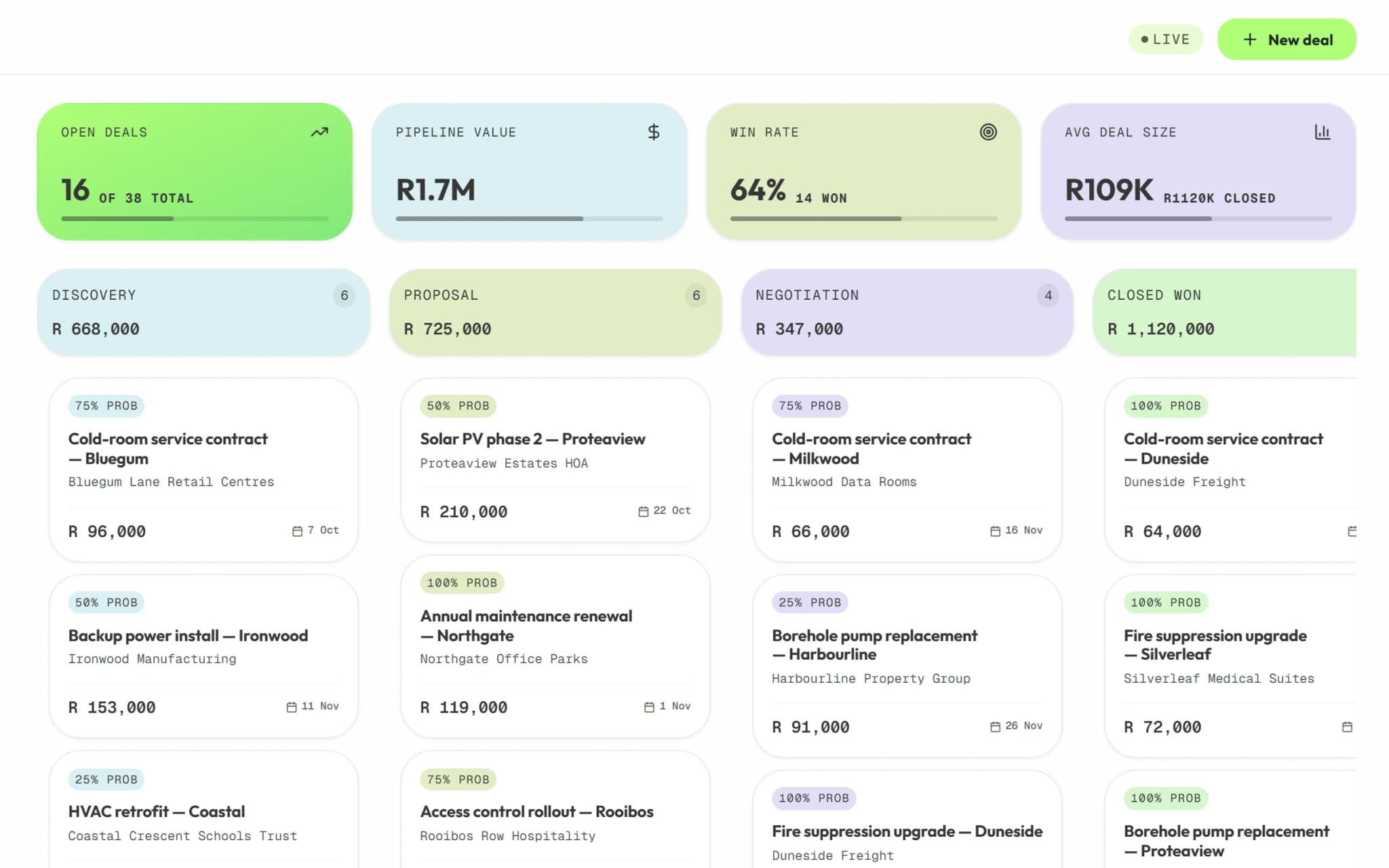
  • Deals on the Syniq Sales pipeline board, grouped by stage, with open value and win rate.

    3 steps

    Sales

    Move deals through the pipeline, quote on the deal and open each client's history.

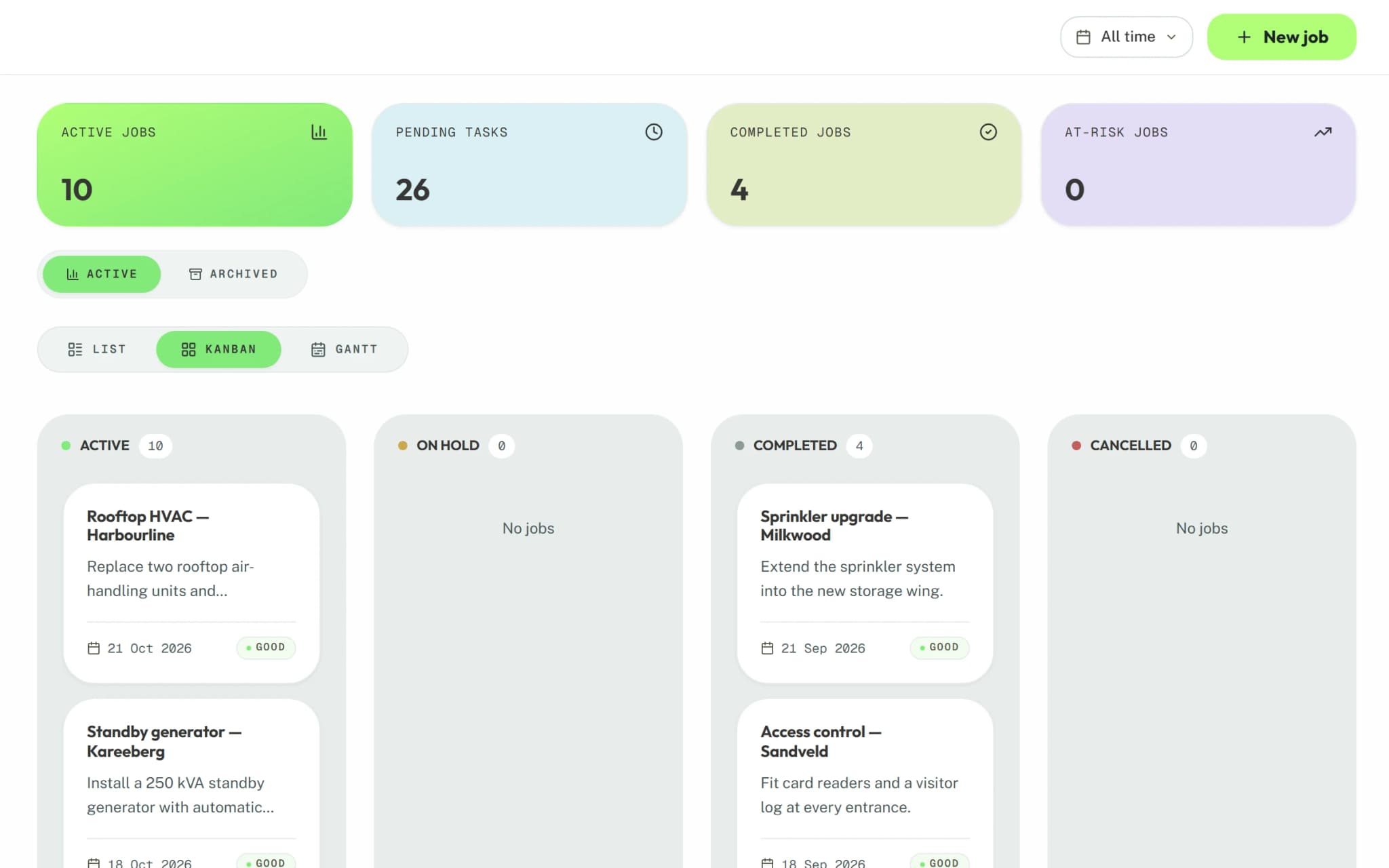
  • Jobs on the Syniq Operations Kanban board, split into active and completed work.

    3 steps

    Operations

    Run jobs on a board, break them into tasks and track contract renewals.

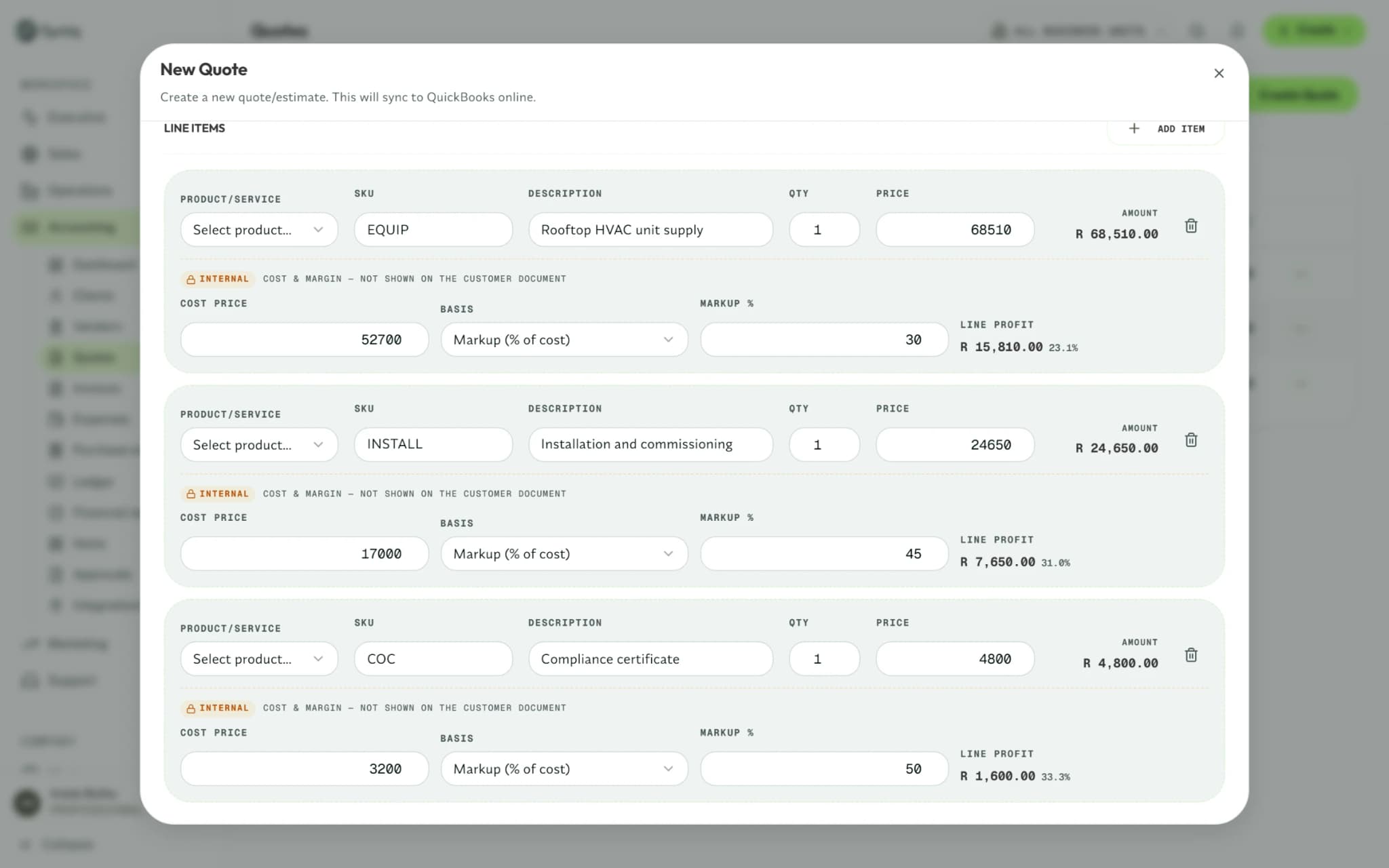
  • A new quote in Syniq with three line items, each with its price, cost and profit.

    3 steps

    Accounting

    Build quotes, invoice with VAT on every line and approve purchase orders.

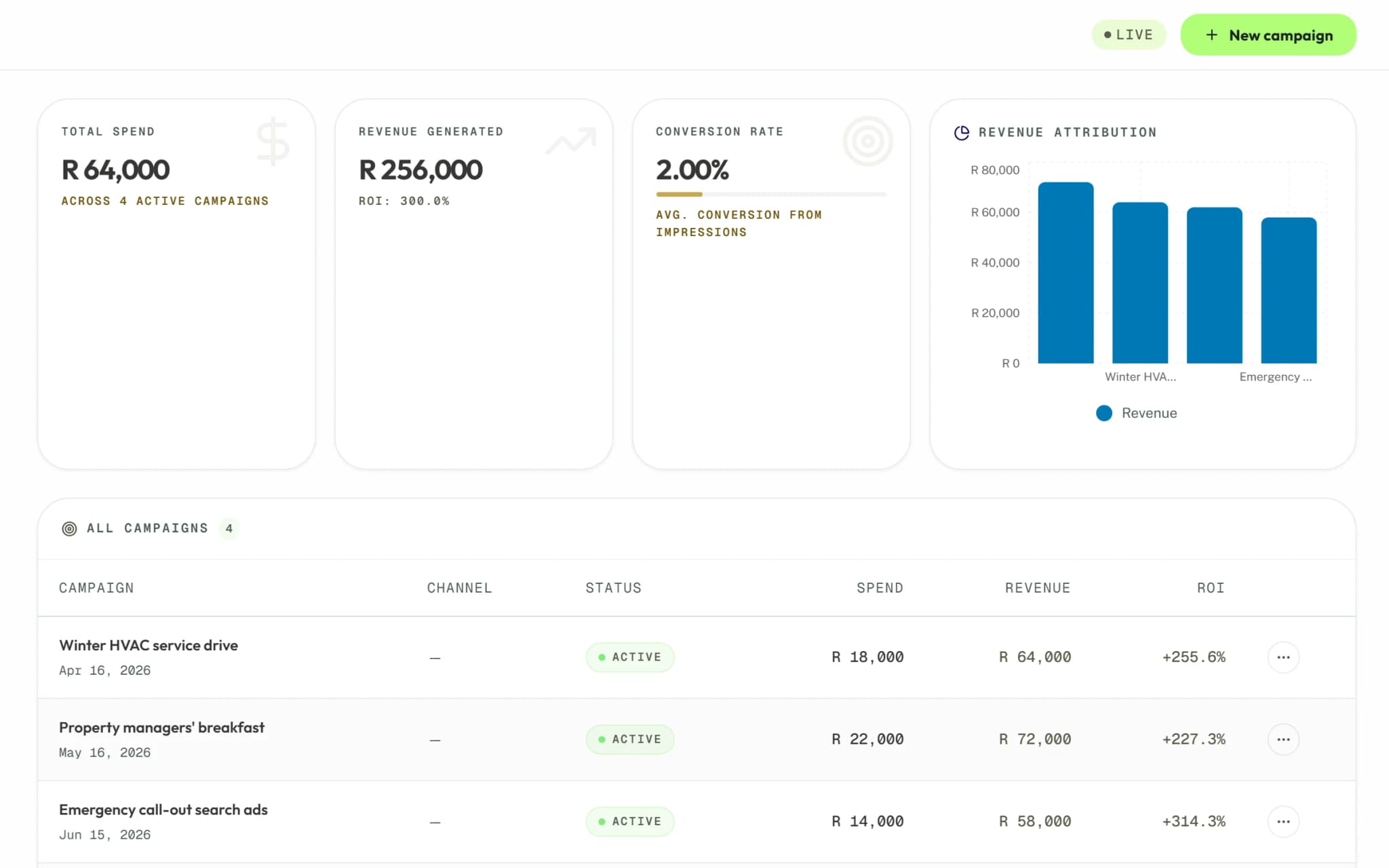
  • Campaigns in Syniq Marketing, with the spend, revenue and return of each.

    2 steps

    Marketing

    Track what each campaign spends and earns, and see the leads it brings in.

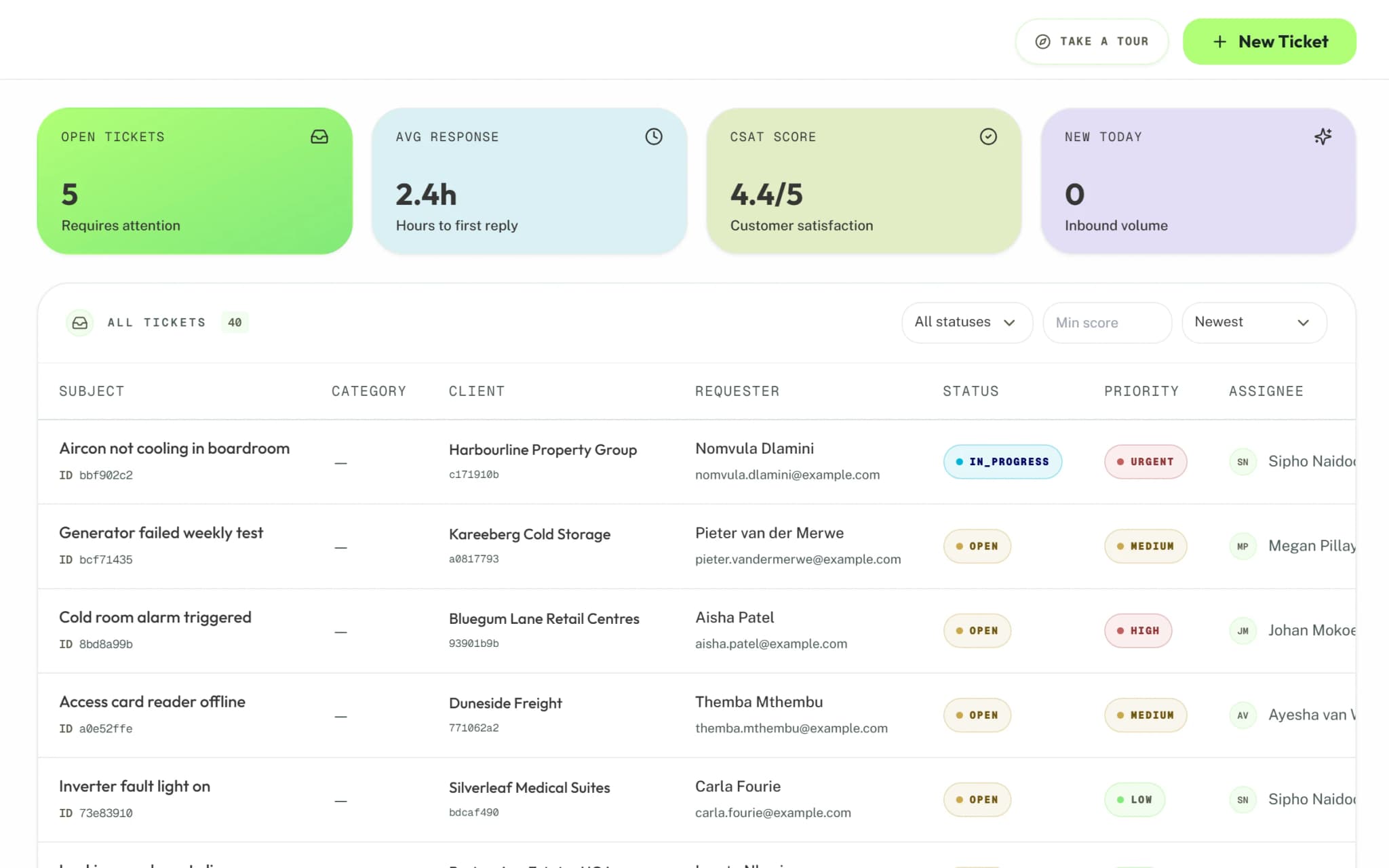
  • Support tickets in Syniq, with the client, status, priority and assignee of each.

    2 steps

    Support

    Log and assign tickets, and open the client's full history.

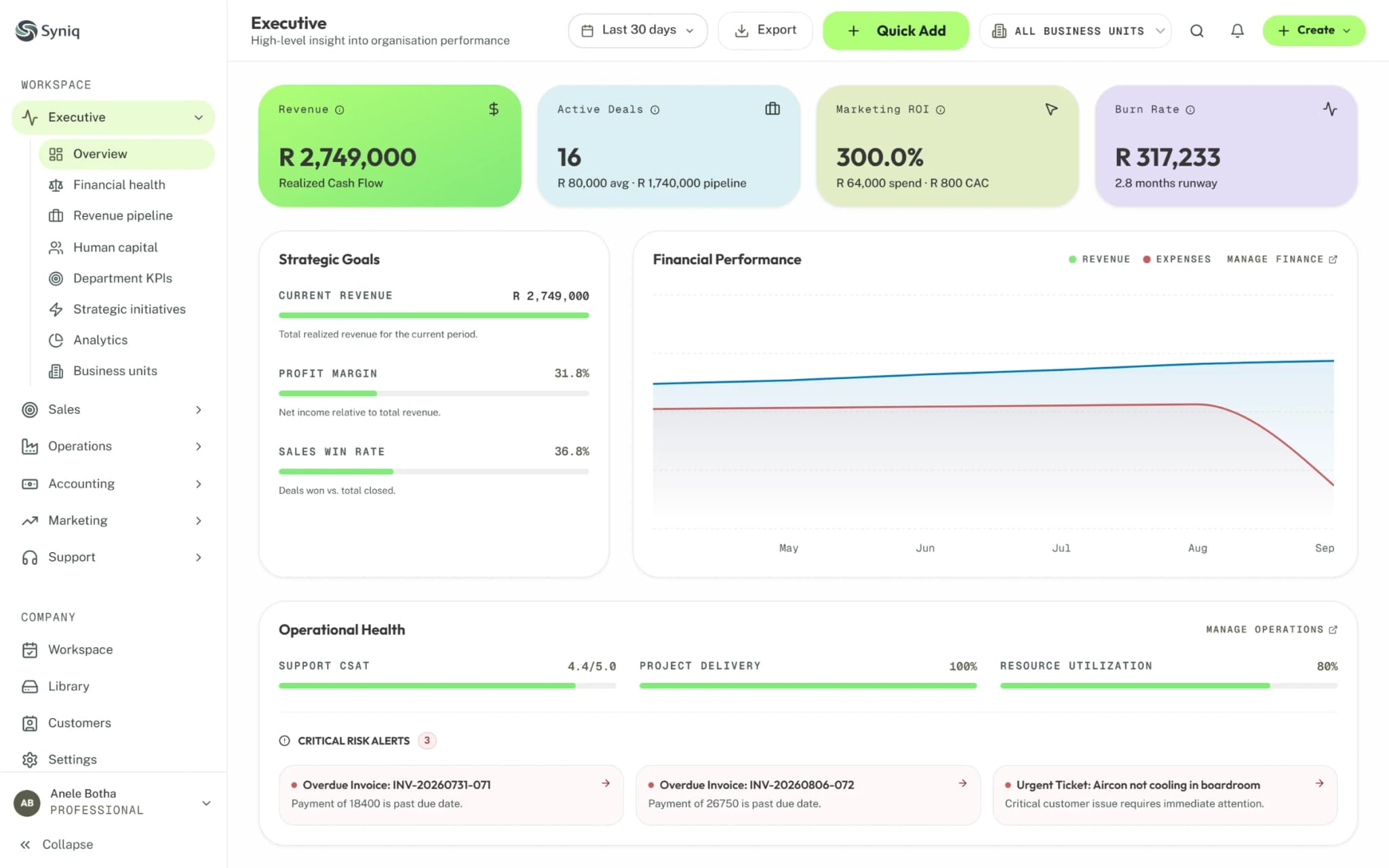
  • The Syniq Executive dashboard showing revenue, pipeline and job figures for the month.

    2 steps

    Executive

    Read the whole business on one dashboard, then open the finance view.

New to Syniq?

Start with the five steps to your first quote.