
Ask your business a question.
Synco answers from your own leads, deals, jobs, invoices and bank lines, and sees only what your role can see. When it suggests a change, you confirm it first.
Inside Synco
Only your workspace
Synco reads only your organisation's records, and only the ones your role allows.
- Your role
- Decides what Synco can see
Ask in plain language
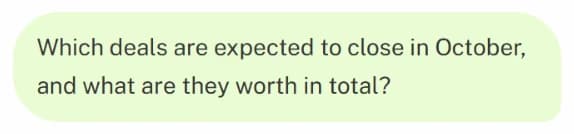
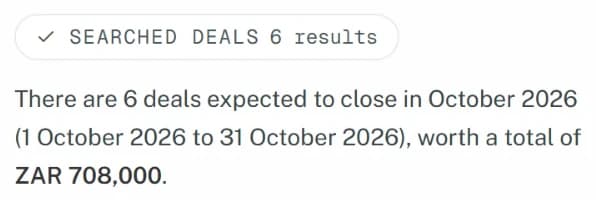
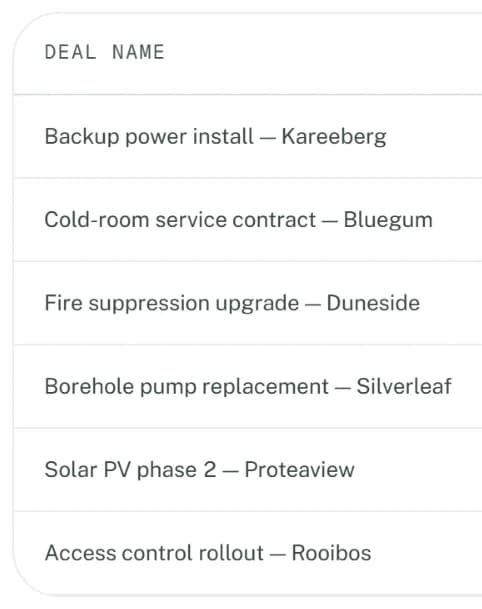
Ask about your leads, deals, jobs, invoices or bank lines and get an answer from your live records.
Proposals, not surprises
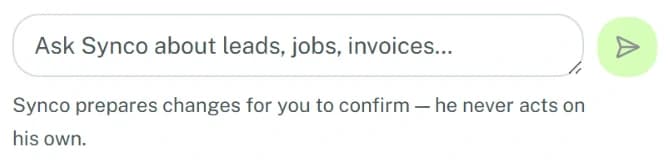
Synco prepares a change, such as moving a deal or creating a job. Nothing is saved until you confirm it.
- You confirm
- Every change before it's saved
- Every plan
- Included, with a monthly allowance
Synco sees what you can see.
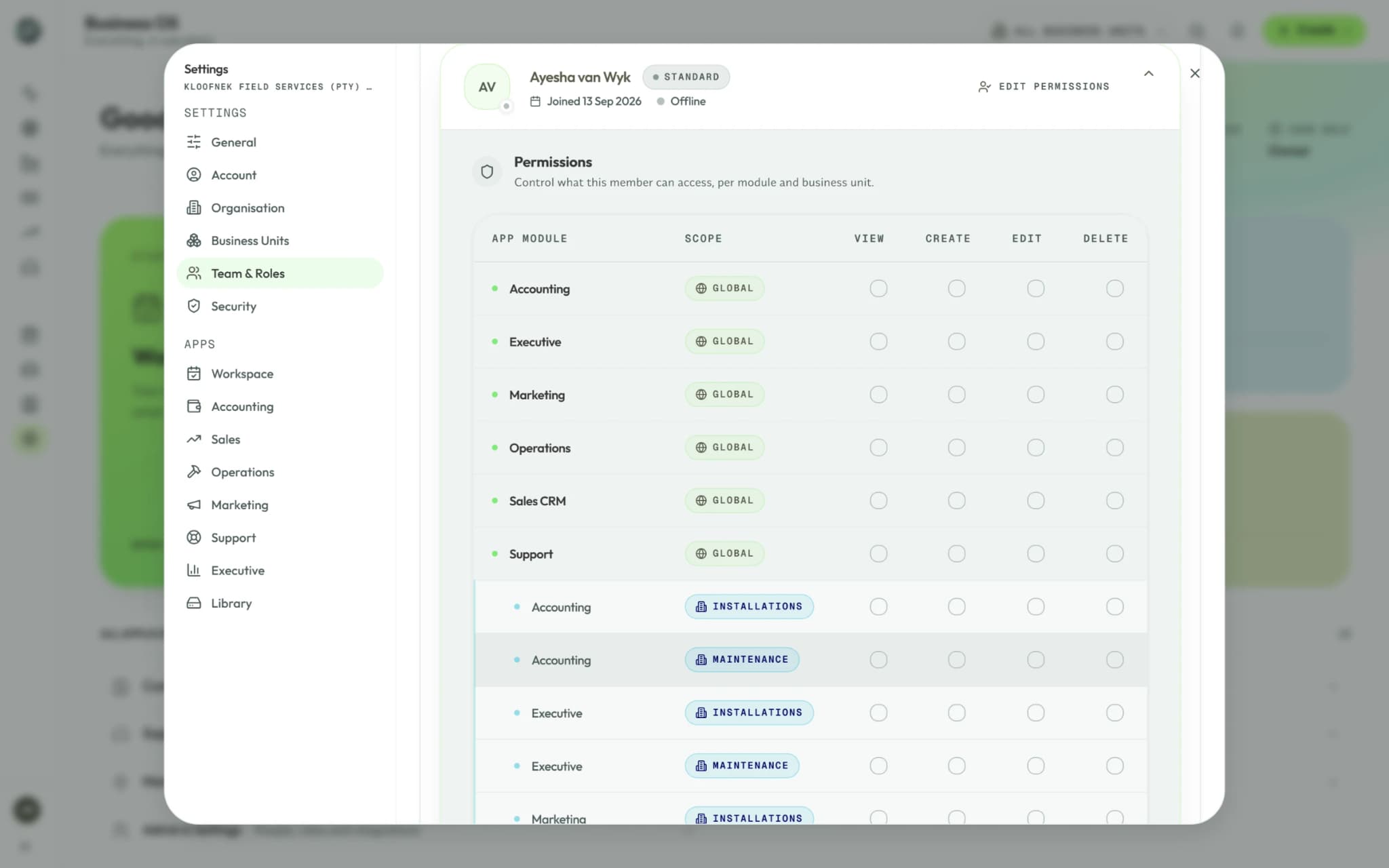
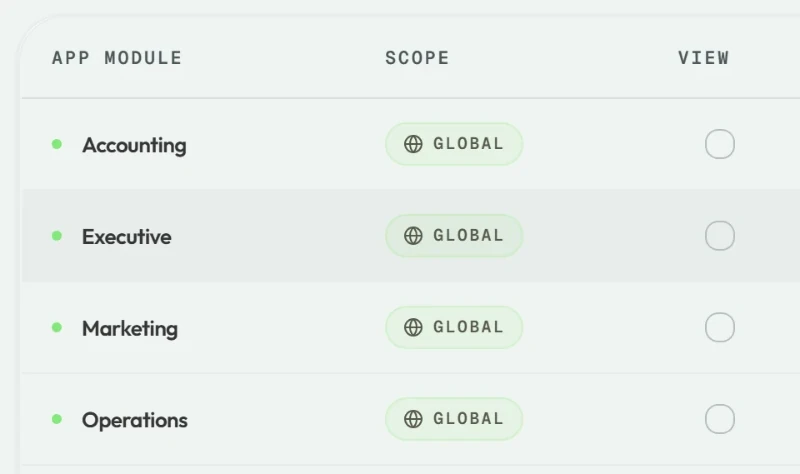
Roles and business units apply to the assistant exactly as they apply to you.
- Without access to invoices, you get no invoice answers
- Your organisation comes from your sign-in, so another company's records are out of reach
- Confirming a change checks your permissions again
Synco questions
It answers questions about your leads, deals, contacts, jobs, invoices, revenue, debtors and bank lines. It can also prepare nine changes: convert a lead into a deal, move a deal to a new stage, log an activity, create a job, change a job's status, create a task, review bank lines, post them and add a bank rule.
No. Each change is shown to you as a proposal, and nothing is saved until you confirm it. The server then checks your permissions and the record again. Synco can't prepare a deletion.
Yes, on every plan, with a monthly allowance: 50 messages on Starter, 200 on Professional, 750 on Business and an agreed number on Enterprise. Allowances reset on the 1st, and one person can send up to 20 messages a minute.
To write an answer, Synco sends your question, the earlier messages in the conversation, your name and role, and the records it needs to third-party AI model providers, which may process them outside South Africa. Synco reads only what your role allows. Your conversations are kept in your workspace, and no record changes until you confirm it.
Ask your own business a question.
Try it free for 14 days, with no credit card.
No credit card requiredStarter
50 Synco AI messages a month
Professional
200 Synco AI messages a month
Business
750 Synco AI messages a month