
Knowledge hub · Walkthroughs3 steps
Sales walkthrough
Pipeline, quote and client.
- Step 1 of 3
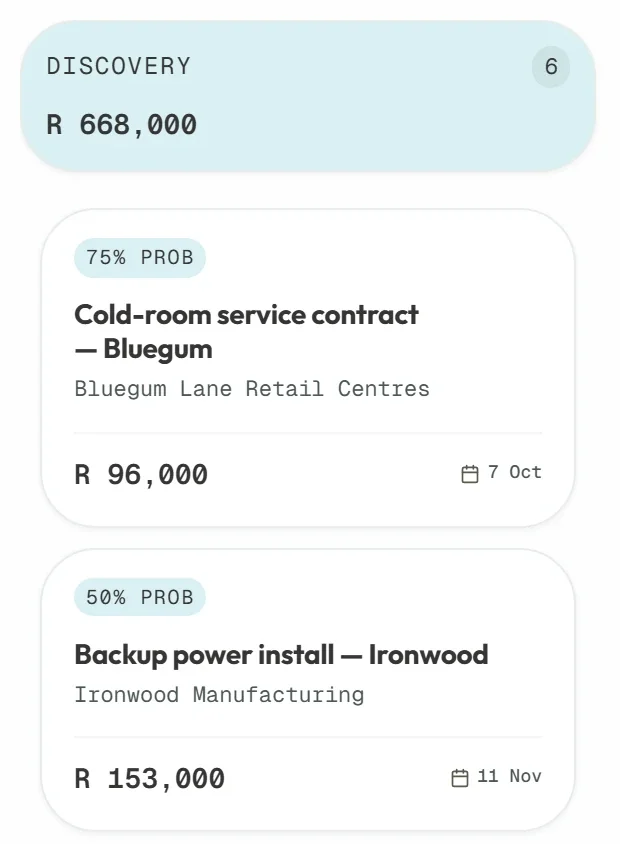
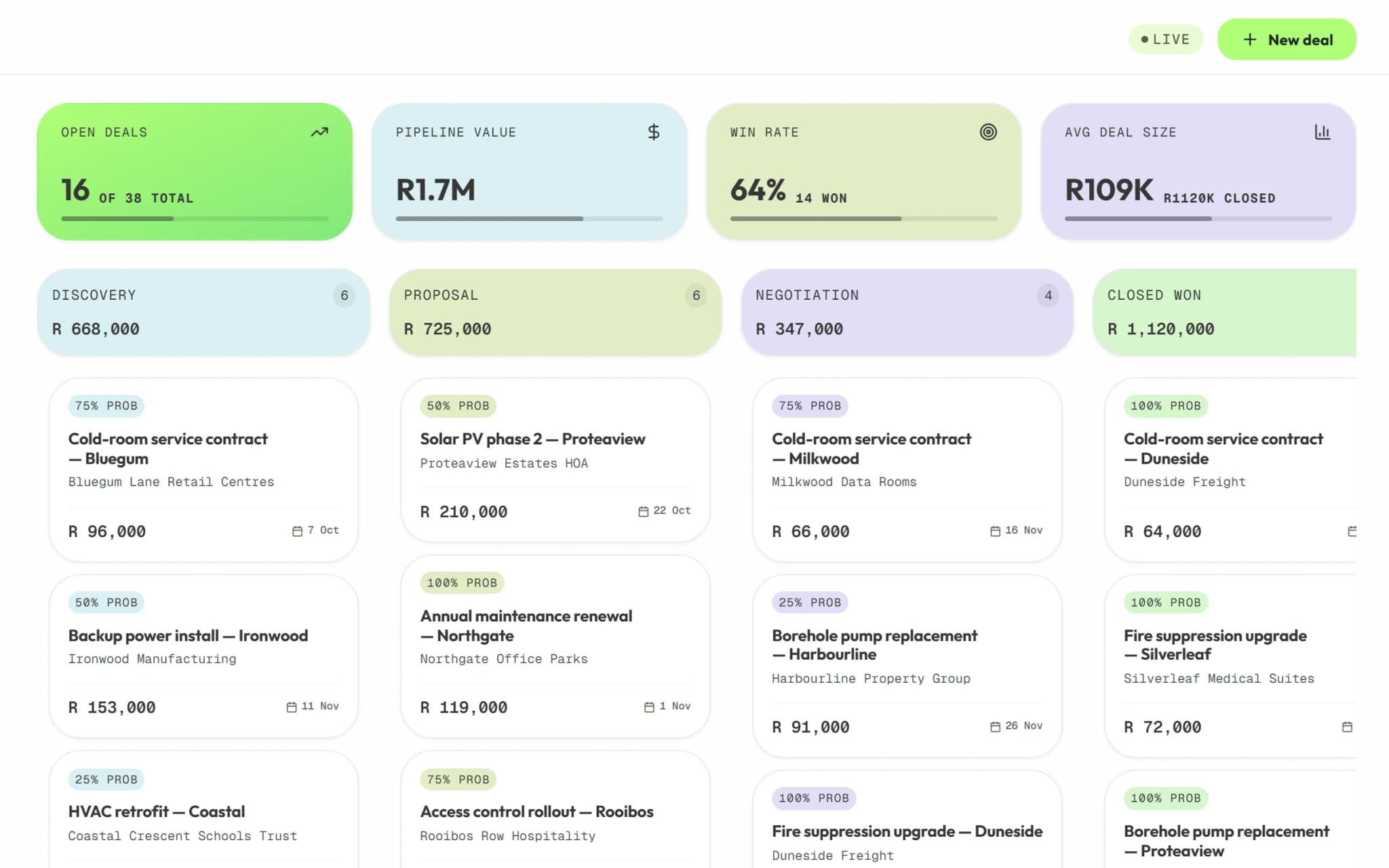
Work the pipeline
Drag deals between stages; each column totals its deals and value.
Try itMove a deal one stage on.
- Step 2 of 3
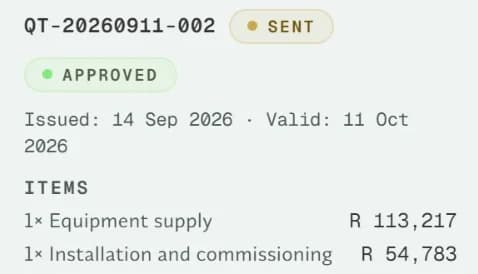
Quote on the deal
Build the quote on the deal; once accepted, it becomes the invoice.
Try itAdd a quote to a deal.
- Step 3 of 3
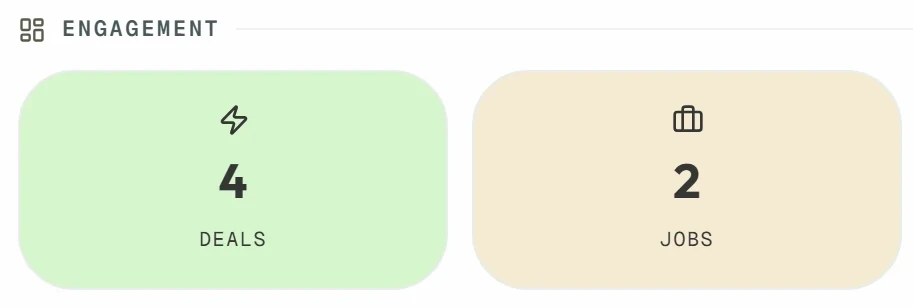
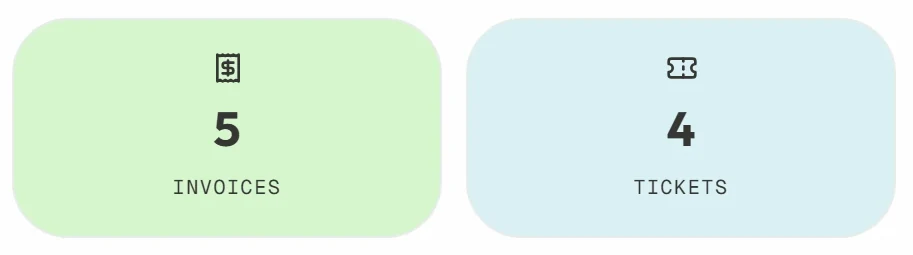
Open the client's profile
Deals, jobs, invoices, tickets and contacts on one profile.
Next: Operations walkthroughTry itOpen a client from Customers.
Try it in your own workspace.
Start a 14-day free trial and follow along with your own records.
No credit card required