A CRM is compatible with QuickBooks when it moves the right records both ways without retyping, and "has a QuickBooks integration" can mean anything from a full two-way sync to a read-only invoice list. Ask which records move, in which direction, and whether it has been tested on a South African QuickBooks company.
If you already run your books in QuickBooks Online, a CRM that cannot talk to it gives you two customer lists to keep in step. This guide explains how QuickBooks and a CRM divide the work, what to ask each vendor, and where Syniq fits.
Is QuickBooks a CRM?
QuickBooks is accounting software. Its job is invoices, bills, payments and the ledger. Intuit's page on whether QuickBooks has a CRM (opened 17 November 2026) says QuickBooks Online now has built-in CRM features through Customer Hub, including customer records, a visual lead pipeline and automated follow-up messages. The same page says larger teams with complex sales processes may still prefer a dedicated CRM.
So the honest answer is that QuickBooks has some CRM features, and they sit on the accounting side. A dedicated CRM is built around the sale before the invoice: leads, deals, stages, quotes and who owns each one.
What can sync between a CRM and QuickBooks?
Vendors use the word "integration" for very different things. Nutshell's guide to CRMs that work with QuickBooks (opened 17 November 2026, last updated 4 November 2026 on the page) is a vendor's own comparison, so read it as one source. It still shows the range:
- Nutshell imports QuickBooks Online customers and sends products and invoices to QuickBooks when a deal is won, but invoices created in QuickBooks do not appear in Nutshell.
- Insightly shows payment history and status, but you cannot create invoices, estimates or payments from the CRM.
- Freshsales attaches invoices to contacts, but you cannot invoice or take payments from it.
- Zoho CRM needs manual setup of import and export first.
- Salesforce's original QuickBooks program was discontinued, and the page says it now connects through Zapier.
The page gives no South African detail. Treat every line as something to confirm with the vendor.
What to ask before you pick one
- Which records move? Customers, quotes, invoices, payments, products. Write down the ones you need.
- Which direction? One-way means you keep editing in two places. Two-way means a change in either system reaches the other.
- Can you create an invoice from a won deal? Or can the CRM only look at invoices?
- Which QuickBooks? QuickBooks Online and QuickBooks Desktop are different products. Check which one the CRM supports.
- Does it work on a South African company? Intuit's South Africa support forum (a thread dated 29 January 2020, opened 17 November 2026) shows a user asking whether Method CRM works with a South African QuickBooks Online account. Intuit's team did not confirm it and advised contacting the vendor's technical support. The thread is old, so ask the vendor today and test during the trial.
- What does it cost per user, and in what currency? How Much Does a CRM Cost in South Africa? (2026 Guide) works through the rand maths.
Where Syniq fits
Syniq is a CRM that is also an accounting, jobs and support system, and it connects to QuickBooks Online. In the Syniq Settings you connect with your QuickBooks login. Then:
- Both ways: customers, vendors, items, invoices, quotes, purchase orders and expenses.
- From QuickBooks into Syniq: payments, bills, deposits, sales receipts and the chart of accounts.
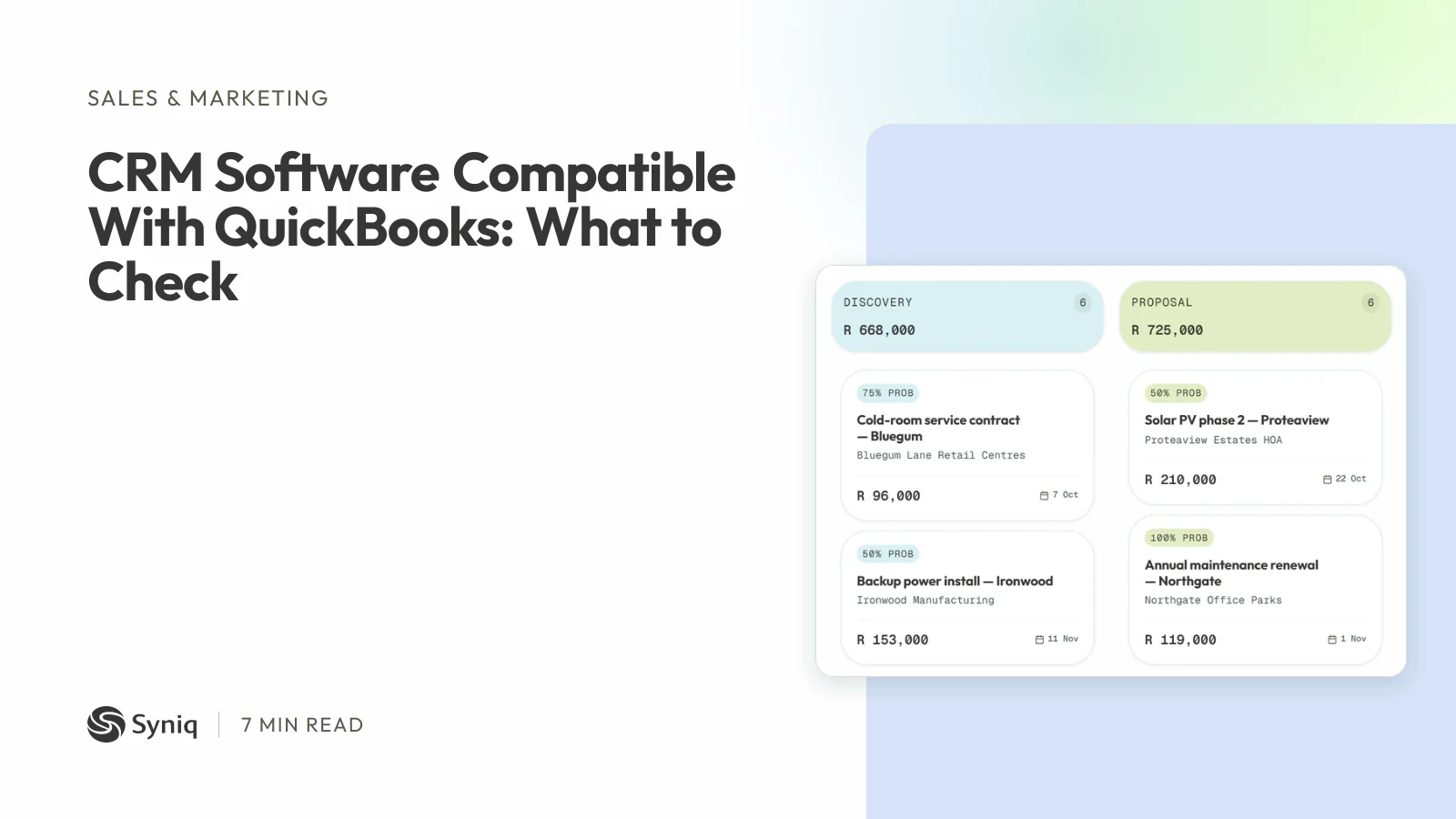
Changes made in Syniq queue and push in the background, and changes made in QuickBooks come back through QuickBooks' webhooks. Syniq Sales builds the quote on the deal, and when the client accepts it, the invoice is generated from the quote for sign-off.
Starter costs R 47 a month, billed annually, for one user and any two apps. Professional costs R 159 for one user and all six apps. Business costs R 559 for five users and all six apps. Syniq is not VAT-registered, so no VAT is added.
What Syniq does not do:
- Syniq connects to QuickBooks Online, not to QuickBooks Desktop, Xero or Sage.
- Syniq does not sync leads or deals to QuickBooks. Quotes, invoices and customers sync; the pipeline stays in Syniq.
- Syniq is not a replacement for your ledger. It has no balance sheet, trial balance or payroll.
- Syniq has no custom objects and no app marketplace. Its integrations are QuickBooks Online and Jira.
- Lead scores follow a fixed rule. They are not AI.
If your accountant lives in QuickBooks Online and you want the sales side in the same login as your quotes and invoices, read how the QuickBooks Online sync works and see the CRM in Syniq Sales.
Keep QuickBooks, or move?
You do not have to leave QuickBooks to get a CRM. If the problem is the sales process around the books, add a CRM and keep the ledger where it is. If you are weighing a move of the books themselves, QuickBooks Alternatives in South Africa: What to Compare lists the main options with prices read from each vendor's page.
For a side-by-side of CRMs with data location and accounting links, read Best CRM Software in South Africa for Small Business (2026).
How to choose
- List the records you need to move and the direction for each.
- Check your QuickBooks version against what the CRM supports.
- Ask for proof on a South African company, not a US demo.
- Count the users you will have in a year.
- Test with your own data. Connect your QuickBooks company during the trial and send one quote through to an invoice.
If you want to try Syniq, start a 14-day free trial.