Construction CRM software keeps track of the people and bids a building firm lives on: clients, architects, quantity surveyors, subcontractors, and every tender and quote you have sent. The useful ones show which bids are still open, tie the quote to the deal, and carry a won job through to billing. This guide explains what a construction company or general contractor needs from a CRM, the three kinds on offer, and how to choose one in South Africa.
Why construction firms outgrow the spreadsheet
Most building firms start with a spreadsheet of leads and an inbox full of quotes. It works until three things happen at once:
- Bids go quiet. A tender went out three weeks ago and nobody knows if anyone followed up.
- One project has many people. The client, the architect, the quantity surveyor and the site agent all matter, and they are scattered across phones.
- A won job is typed again. The accepted quote is retyped into a contract file, then into the first invoice.
A CRM is the one place that holds the client, the contact, the bid and the next step.
What a construction CRM should do
Nutshell, a US CRM vendor, lists what it thinks construction firms need from a CRM on its construction guide: bid and proposal tracking with follow-up reminders, a visual pipeline, mobile access for field teams (including offline access for sites with weak signal), document management for contracts, change orders, permits and photos, reporting, and links to accounting tools such as QuickBooks and Xero (Nutshell, opened 4 November 2026). It is a vendor's list, so weigh it as one, but it matches what building firms ask for.
For a South African firm, the checklist looks like this:
- A bid and tender board. You want to see every bid by stage, with its value, apart from new business.
- Several contacts per client. One account, many people, each with their history.
- Quotes on the deal. The price you sent should sit on the deal, not in a folder.
- Approval for large deals. A big bid should not go out without sign-off from the right person.
- Billing that follows the contract. Building work is billed in stages or against a certifier's certificates, with retention held back, not as one invoice at the end.
- Documents with the job. Drawings, photos and paperwork should open from the job record.
- Site access, if your crews need it. Some tools have a mobile app that works offline. Others do not. Decide whether you need it before you shop.
- Accounting links. Check which accounting package it connects to.
The three kinds of CRM for construction
| Type | What it is | Best for | Watch out for |
|---|---|---|---|
| General CRM | A CRM for any business, set up by you | A small firm that mainly needs a pipeline and contacts | Tenders, retention and stage billing are not built in |
| Construction CRM | A CRM built for builders and trades, often with project tools | A firm that wants estimating and site tools in the same product | Per-user prices and set-up add up, and some quote a price only on request |
| Business suite with CRM | CRM, jobs and accounting on one record | An office that wants the bid, the job and the invoice in one place | Check the site tools: suites rarely replace a field app |
Whichever type you pick, ask for the price in rands and check how VAT is shown, and ask where support is based.
What it costs
Prices vary with the type. Many general CRMs charge per user each month. In Nutshell's comparison, five of the six construction CRMs it reviews list only "Custom" pricing, which means you have to ask for a quote (Nutshell, opened 4 November 2026). How Much Does a CRM Cost in South Africa? (2026 Guide) breaks down what to expect, and Best CRM Software in South Africa for Small Business (2026) compares the options. If you are still asking what a CRM is, start with Cloud-Based CRM Software: What It Is and How to Choose.
How construction work fits in Syniq
Syniq Business OS has six apps, and Sales is its CRM. For a building firm the relevant parts are:
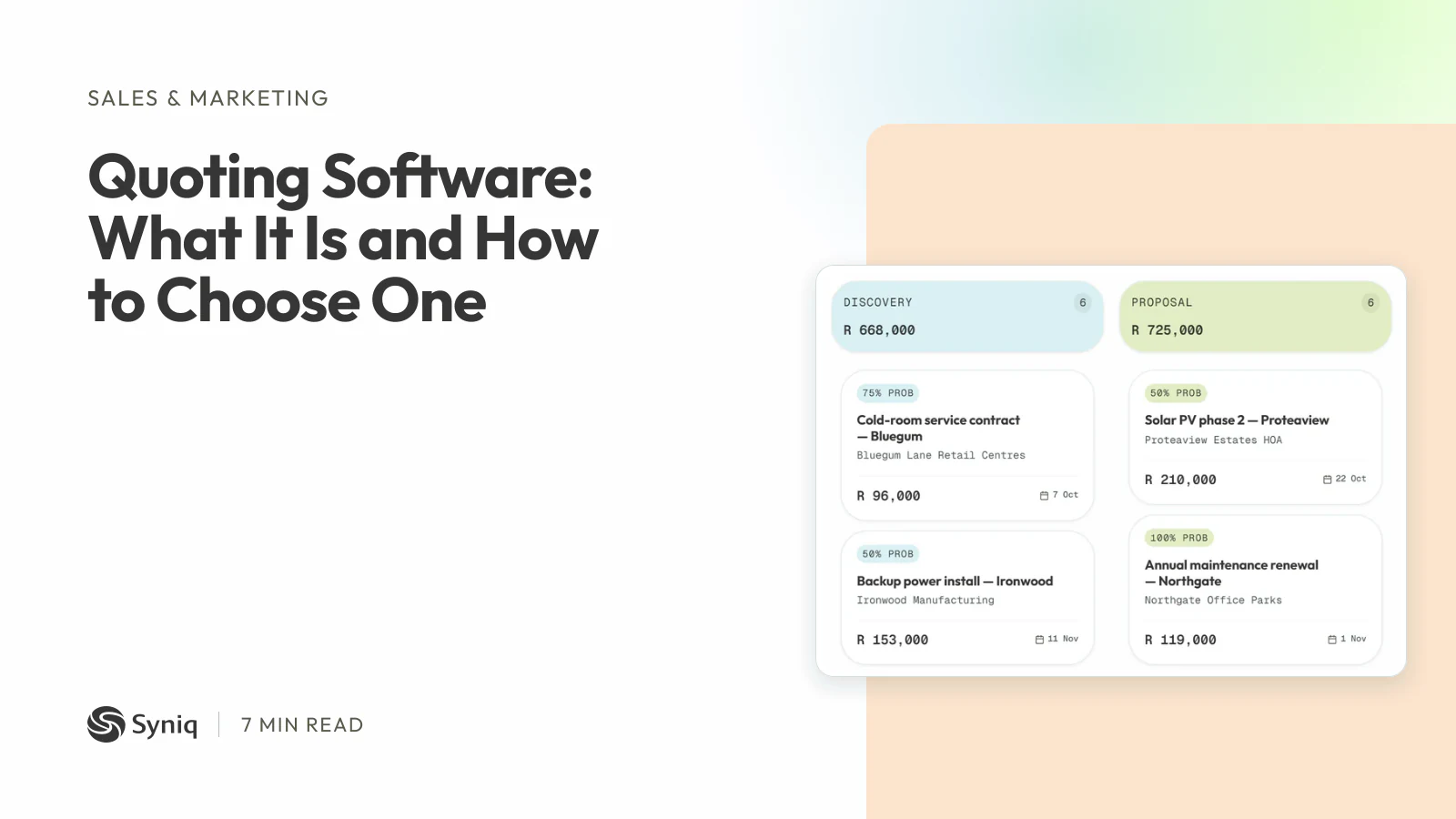
- A pipeline and a tender board. Deals move through stages you set, and bids are tracked on a tenders board of their own, apart from new business.
- Client profiles. Each client's deals, jobs, invoices and contacts sit on one profile.
- Quotes on the deal. Build the quote on the deal. When it is accepted, the invoice is generated from its lines for sign-off. Quoting Software: What It Is and How to Choose One explains how that works.
- Deal approvals. Deals worth more than R 50,000 wait for an approver before they go ahead.
- Jobs. Operations plans jobs in list, Kanban or Gantt view, with tasks, logged time, and drawings, photos and paperwork uploaded to the job.
- Progress billing. Accounting bills a contract in stages, such as a deposit, progress payments and a final payment, and each stage becomes a draft invoice in one click. Certificate mode bills from the certifier's payment certificates, with retention held back and released later.
- QuickBooks Online. Customers, vendors, invoices, quotes and purchase orders sync both ways.
Starter costs R 47 a month, billed annually, for one user and any two apps. Professional costs R 159 for one user and all six apps. Business costs R 559 for five users and all six apps. Syniq is not VAT-registered, so no VAT is added.
It is not the right fit for everyone:
- Syniq has no offline site app, so site staff cannot use it without a connection.
- Syniq has no estimating or bill of quantities tool, so you will still price the work elsewhere.
- Syniq has no dispatch and no e-signature.
- Syniq connects to QuickBooks Online, not to Xero or Sage.
- It has no features written only for building firms: the tender board, the stage billing and the job record are general tools that suit construction work.
If you want the bid, the job and the staged invoice on one record, see Syniq Sales or start a 14-day free trial.
Before you choose
Run one real tender through the tool you are considering. Add the client and three contacts, put the bid on the board, build the quote, win it, and bill the first stage. The steps that need a workaround show you what the tool will cost you every week.