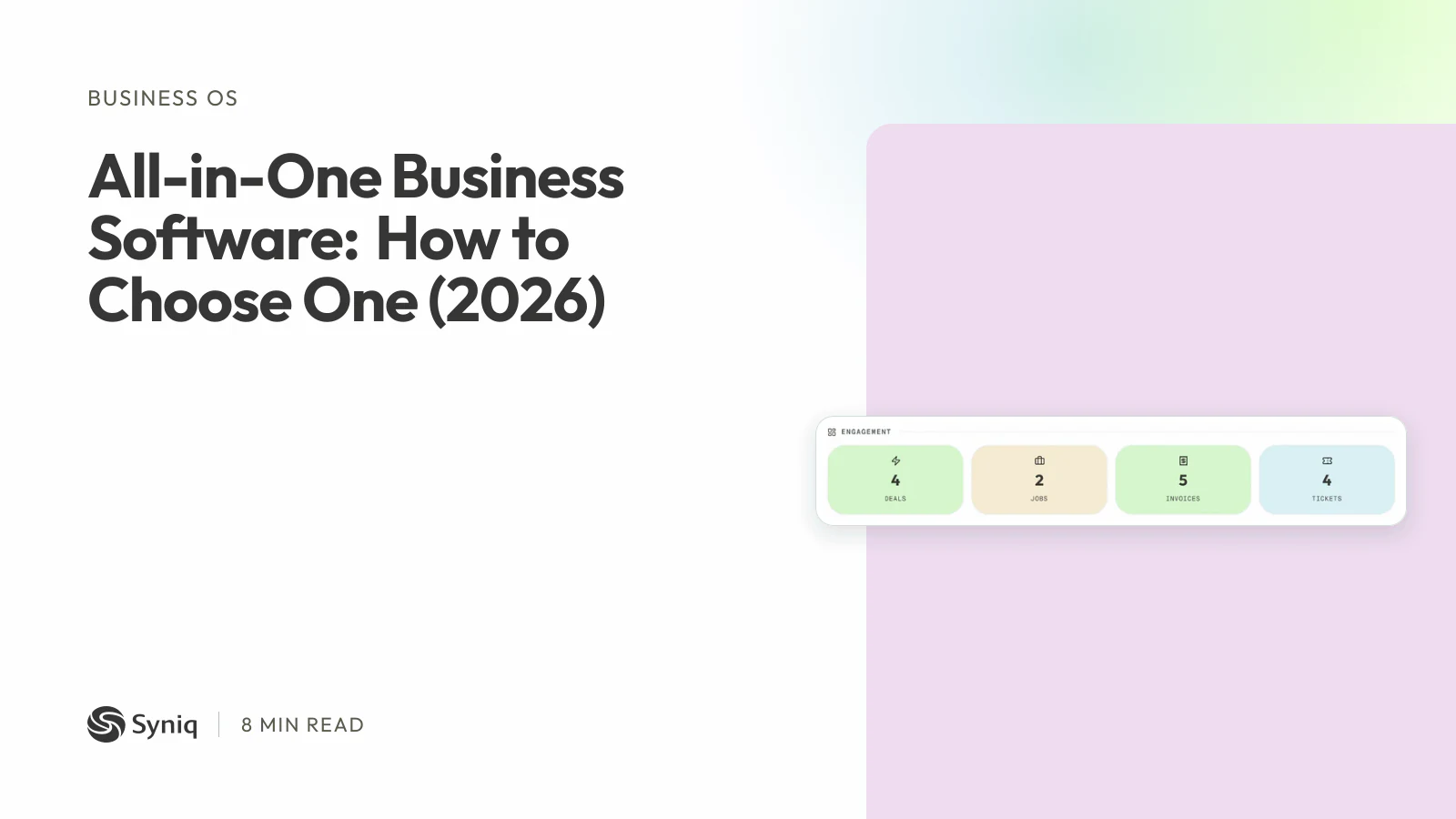
All-in-one business software is one subscription that runs several jobs of your business, such as customers, quotes, invoices, jobs and reports, on one shared set of records. You type a customer in once, and every part of the system can see it.
People search for this when the tools they use no longer fit together. The CRM does not know about the invoices. The invoices do not know about the jobs. The owner is the only person who sees all of it, and only after copying numbers into a spreadsheet. This guide explains what the term really covers, what it cannot do, how to choose, and what it costs in South Africa.
What does "all in one" mean?
There is no standard. Vendors use the words for very different products:
- A CRM with extras. Sales first, then some invoicing and email.
- A project tool with extras. Tasks first, then docs and time tracking.
- A suite of separate apps sold under one brand, sometimes with separate sign-ins and separate data.
- One platform on one database. Every app reads the same customer, deal, job and invoice records.
Only the last one removes the re-typing. When you compare products, ask whether a won deal becomes an invoice without you copying anything. If it does not, you are buying a bundle, not an all-in-one. What Is a Business Operating System (Business OS)? explains the one-platform idea in more detail.
What you gain
- One customer record. Deals, jobs, invoices and support tickets sit on the same profile.
- No double entry. A quote turns into an invoice, so nobody retypes it and nobody gets it wrong.
- One bill. You pay one subscription instead of five, and you manage one set of users.
- One view of the numbers. Reports read from the same records, so the sales and finance figures agree. The Hidden Cost of Disconnected Business Tools puts a price on what you lose when they do not.
What you give up
Be honest about these before you commit.
- Depth. One tool that does ten jobs rarely beats a specialist at each of them. Check the two jobs you cannot do without.
- Lock-in. All your records sit in one place, so moving later is harder. Ask how you export your data.
- Learning cost. More apps mean more to set up. Start with one job and add the rest later.
- A gap in your trade. A general platform does not know your industry's special rules. If your work needs them, a specialist tool or a custom build may fit better. Custom Software vs Off-the-Shelf: How to Choose shows how to decide.
What to look for in South Africa
- VAT and tax invoices. Invoices should carry your company, VAT and banking details, and work out VAT on every line. Accounting Software in South Africa: SARS and VAT Rules lists what SARS expects.
- Rand pricing. Many vendors bill in US dollars, so your price moves with the exchange rate. A price listed in rands does not.
- How your accountant gets the books. Ask what the platform connects to, for example QuickBooks Online, Xero or Sage, and whether it imports bank statements.
- Where the data is kept. Ask the vendor, and get a written agreement that covers POPIA. This is general information, not legal advice.
- Per-user fees. A plan with users included can cost less than per-user pricing once you have a team of five.
- A real trial. Import a real customer list and run one job from first contact to paid invoice.
A five-step way to choose
- List the jobs. Write down what you do each week: quote, invoice, follow up, run jobs, handle support, report.
- Mark the two that hurt most. These must work on day one.
- Count the copying. Note every place you type the same thing twice. That is what the new system must remove.
- Shortlist two or three. For a CRM-first choice, Best CRM Software in South Africa for Small Business (2026) compares ten. If you wonder whether you need something heavier, Business OS vs ERP: What South African SMEs Actually Need in 2026 covers it.
- Trial with your own data. Judge on one real job, not on the demo.
If you are still on spreadsheets, 7 Signs Your Business Has Outgrown Spreadsheets helps you tell whether now is the time.
Where Syniq fits
Syniq Business OS is all-in-one software built for South African businesses. It has six apps on one database: Sales (the CRM), Operations, Accounting, Marketing, Support and Executive. A won deal becomes an invoice for sign-off without retyping, and each client's deals, jobs, invoices and tickets sit on one profile.
Synco, the AI assistant, answers questions about your leads, deals, contacts, jobs, invoices, revenue, debtors and bank lines. It can prepare changes, but nothing is saved until you confirm it.
Starter costs R 47 a month, billed annually, for one user and any two apps. Professional costs R 159 for one user and all six apps. Business costs R 559 for five users and all six apps. Syniq is not VAT-registered, so no VAT is added. You can try it free for 14 days, with no credit card.
It is not the right fit for everyone:
- Syniq has no balance sheet, trial balance or payroll.
- Bank statements are imported as CSV, OFX or PDF files. There are no live bank feeds.
- Syniq connects to QuickBooks Online, not to Xero or Sage.
- Syniq Support has no email or WhatsApp inbox and no SLA timers.
- Syniq has no offline mode. It needs an internet connection.
- Lead scores in Marketing follow a fixed rule. They are not AI.
If those limits suit your business, see how Business OS works or start a 14-day free trial.