Operations management software plans, tracks and runs the daily work of a business: the jobs or orders in progress, the tasks inside them, who is doing what, the time it takes, and the paperwork that follows. It gives whoever runs operations one place to see what is on track and what is late.
People search for this when work is managed in WhatsApp messages, spreadsheets and memory. A job slips, nobody can say who has it, and the invoice goes out a week after the work is done. This guide explains what the software does, the kinds on offer, what to check before you buy, and what it costs in South Africa. For the smaller question of what to track on one project, read Project Tracking Software: What It Tracks and How to Choose.
What does operations management software do?
The name covers a wide field, but most products offer some mix of these:
- Jobs or orders. One record for each piece of work, with a status.
- Tasks and owners. The job is split into steps, and each step has a person.
- Views. A list, a board or a timeline so the manager can see the whole load.
- Time. Hours logged against the work.
- Documents and notes. Photos, drawings and calls kept with the job.
- Billing. The finished work turns into an invoice.
- Reports. What is open, what is late, and who is overloaded.
The four kinds of operations software
When you read a "best of" list, check which kind each product is. Lists often mix them.
- Work and project tools. Built around tasks and boards. They plan well but usually know nothing about your clients or invoices. Project Management Software in South Africa: How to Choose the Right One (2026 Guide) and Cheap Project Management Software: What You Pay in 2026 cover this kind.
- Industry systems. Built for one trade, such as manufacturing, or field teams with dispatch and route planning. Field Service Management Software in South Africa: What It Does, What It Costs, and How to Choose explains that case.
- ERP suites. Finance, stock, purchasing and production on one system. Strong, but heavy and costly to set up. ERP for SMEs: Essential or Overkill? helps you decide whether you need one.
- All-in-one platforms. Sales, jobs and invoicing on one set of records, so a won deal becomes a job and a finished job becomes an invoice. What Is a Business Operating System (Business OS)? describes the idea.
What to check before you buy
- Does your work fit the shape? Service jobs, projects and production runs are different. Ask the vendor to show a job like yours.
- Does the job connect to the client and the invoice? If not, someone retypes the work into a billing tool. The Hidden Cost of Disconnected Business Tools puts a price on that.
- Can each person see their own work? A team member should open a list of what is assigned to them, and nothing else.
- Does it handle stock or production, if you need it? Many service tools do not. Inventory Management Software in South Africa: What It Costs and How to Choose covers that gap.
- Time and approvals. Check whether hours and purchase approvals live in the same system. Time Tracking Software in South Africa: What the Law Requires and What to Buy lists what to look for.
- Rand pricing and VAT. Many vendors bill in US dollars, so your price moves with the exchange rate. Check whether the invoices carry your VAT details.
- A trial with real work. Put one live job through it from booking to paid invoice.
Where Syniq fits
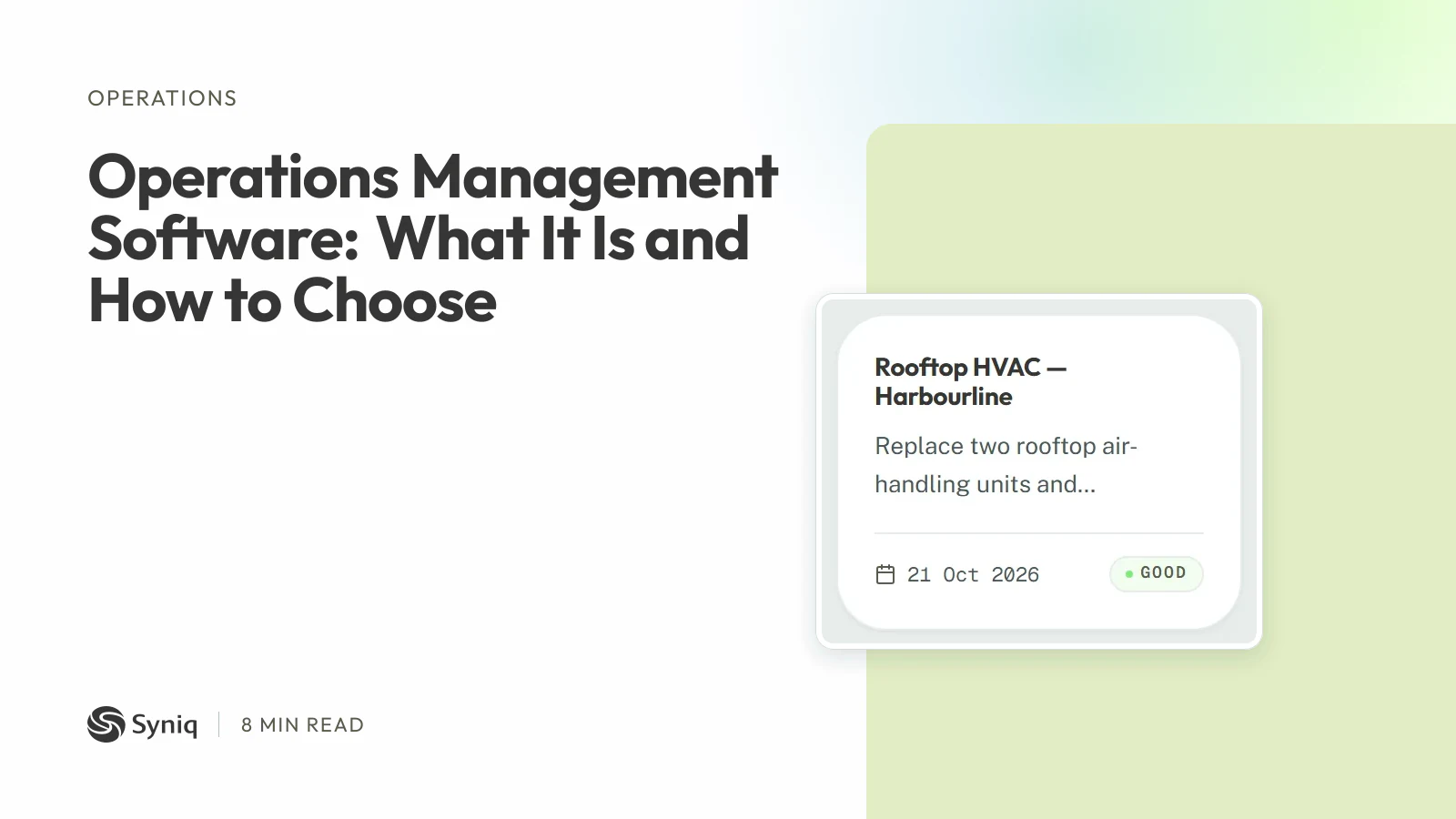
Syniq Operations is the operations app inside Syniq Business OS. It plans jobs in list, Kanban or Gantt view, filtered to your business unit. Each job has tasks you assign and hours you log, with calls, meetings, emails and notes kept on the job. You can upload documents, report files and photos to a job, move reports from draft to final to approved, and track renewal dates for recurring contracts. When the work is done you generate the invoice from the job, or raise a draft quote for extra work. A won deal in Sales becomes a job, and the job, its invoice and its client stay linked. My Tasks shows each person only what is assigned to them.
Starter costs R 47 a month, billed annually, for one user and any two apps. Professional costs R 159 for one user and all six apps. Business costs R 559 for five users and all six apps. Syniq is not VAT-registered, so no VAT is added. You can try it free for 14 days, with no credit card.
It is not the right fit for everyone:
- Syniq does not manage stock or production.
- Syniq has no field dispatch or route planning.
- Syniq has no workflow automation that moves jobs on its own.
- Syniq has no offline mode. It needs an internet connection.
- Syniq connects to QuickBooks Online, not to Xero or Sage.
If your operations are jobs for clients that end in an invoice, see how Syniq Operations works or start a 14-day free trial.